White Label: General Overview and Activation
White Label (WL) solution provides the capability to entirely eliminate any reference to Virtualz within your account and tours. It affords you the opportunity to replace the Virtualz logo, customize the domain address (URL), and select your preferred color scheme, thereby enabling you to present the tour as your own, allowing for a seamless pitch to your clients.
- White Label solution will be applied to your whole account and all your tours.
- Price - $500 per account / per year. Available for purchase for all subscription types.
Along with White Label solution, you will get an access to the library of 8 demo tours created by Virtualz' experts. These tours range in the features they include and their use cases, and your White Label branding will be applied to them. These tours can be used as a tool to inspire and show how you can enhance your clients' tours, or to show off to clients while presenting them with your business.
White Label Features
White Label solution allows to gain full control over the tour and change the links (domain), logo and colors.
1. Domain
Domain name my.Virtualz.com will be replaced with your domain, so the viewers won't see any presence of the Virtualz company in your tour.

2. Logo
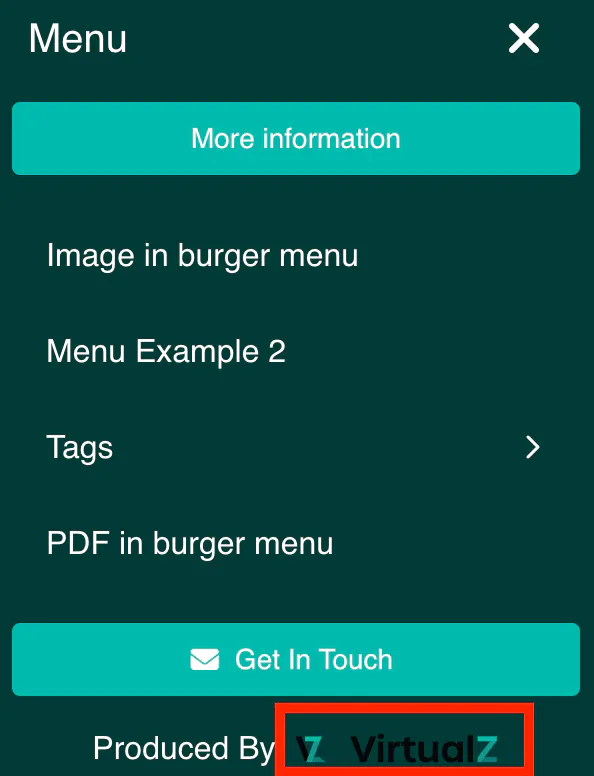
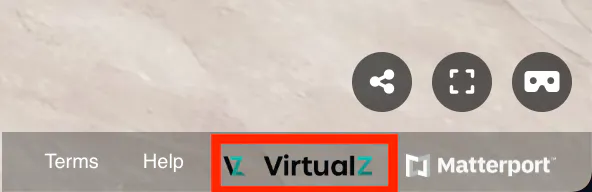
Virtualz logo at the bottom of the Burger Menu and of the tour itself will be replaced with your logo.
3. Colors
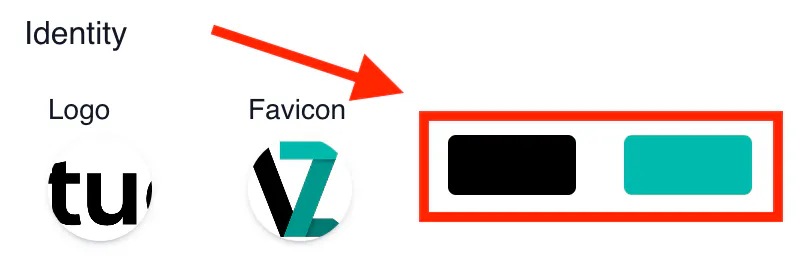
Virtualz colors (black and blue) will be changed to your colors. In this way you will fully customize your account and tours.
How to Activate WL Solution?
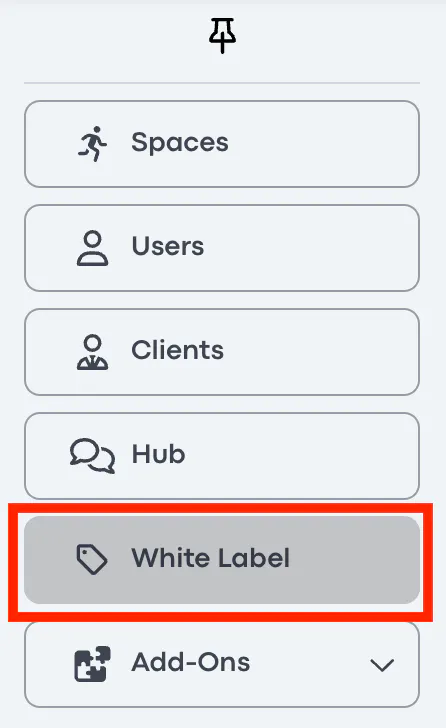
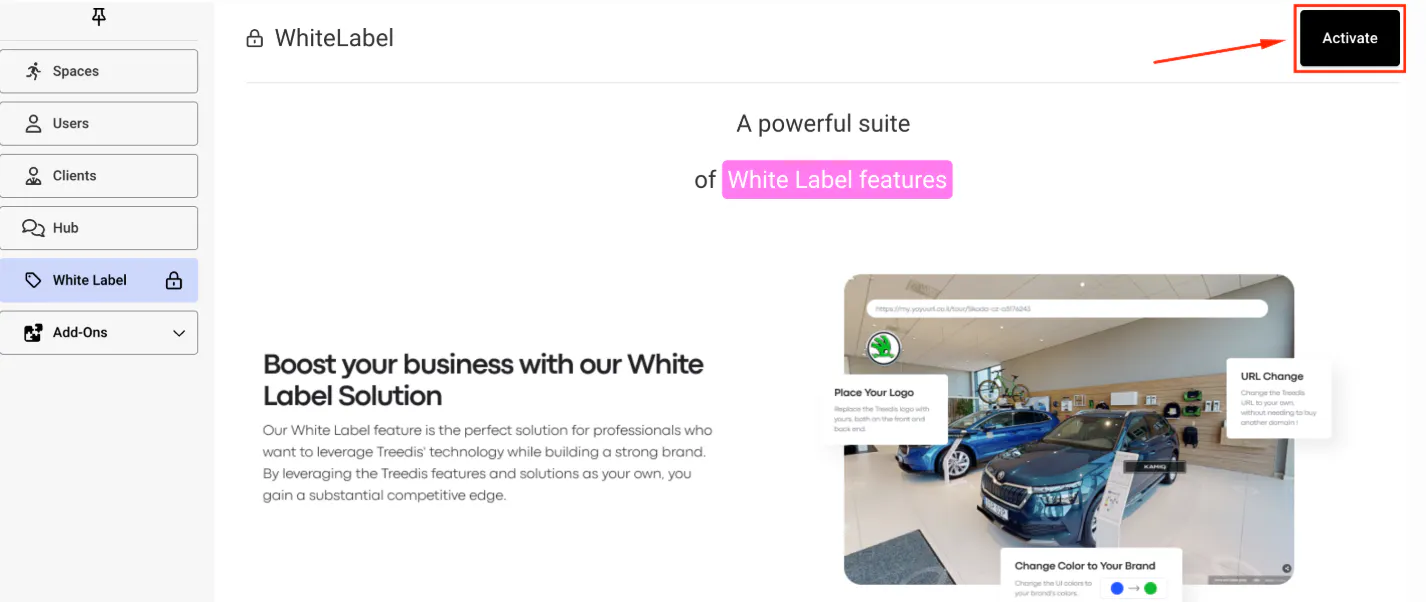
1. Your account > left-side bar > White Label:
2. Activate
3. Click "Yes"
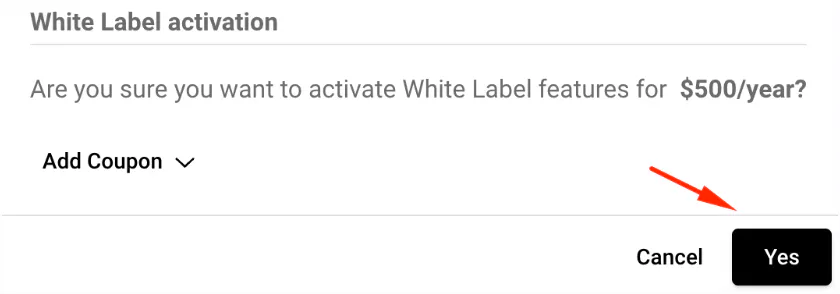
Note: Make sure you have your credit card details added to the Billing section of your profile to be able to purchase. Your account > Profile > Billing > Credit card > Add > indicate all details > Save.
When solution is activated:
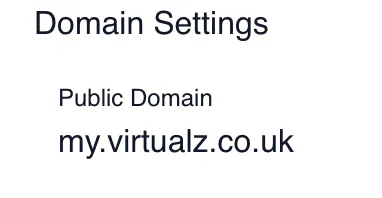
1. Add your subdomain+domain (subdomain is needed for us to register it on our side and differentiate your website domain from the tours):
Examples: my.Virtualz.com, 3d.tour.com, wow.imagine.be, etc.
2. Add your White Label email address (we register the email for you to be able collect leads from your tours).

When done with the domain settings and WL email, click SAVE to start the registration process on our end. During the registration, you can still edit your account:
- add your Logo (to replace the Virtualz logo);
- add your Favicon (to replace the Virtualz favicon);
- pick your own Colors (to replace the Virtualz colors).
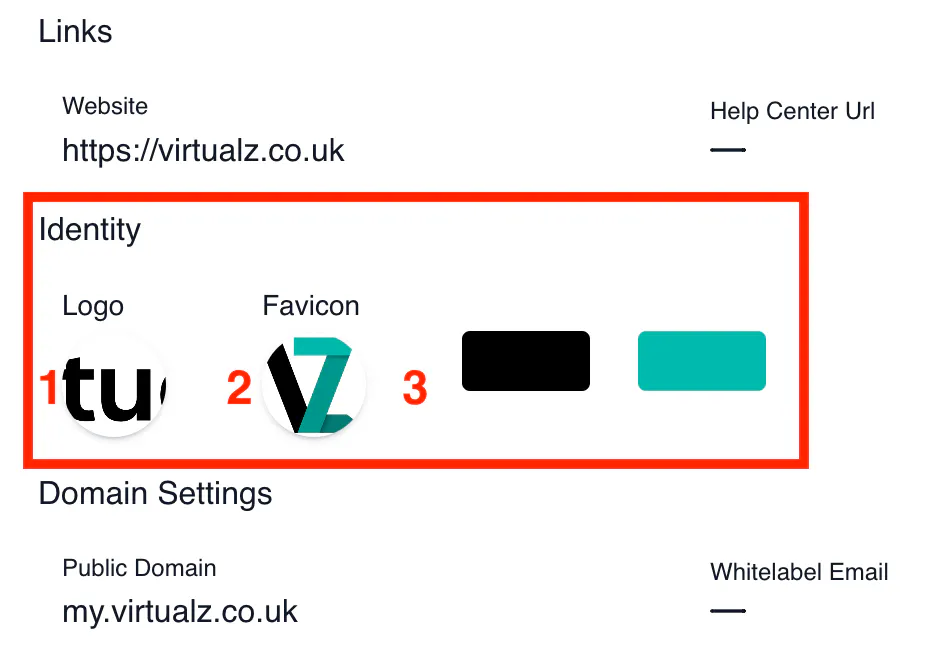
Also you can add your Website URL in the related section, so when the visitors click on your logo in the tour, it will redirect them to your website.
Click here for more information on how to add the DNS records.