Managing V-Commerce: Settings
To manage other Settings for your V-Commerce store, take the following steps:
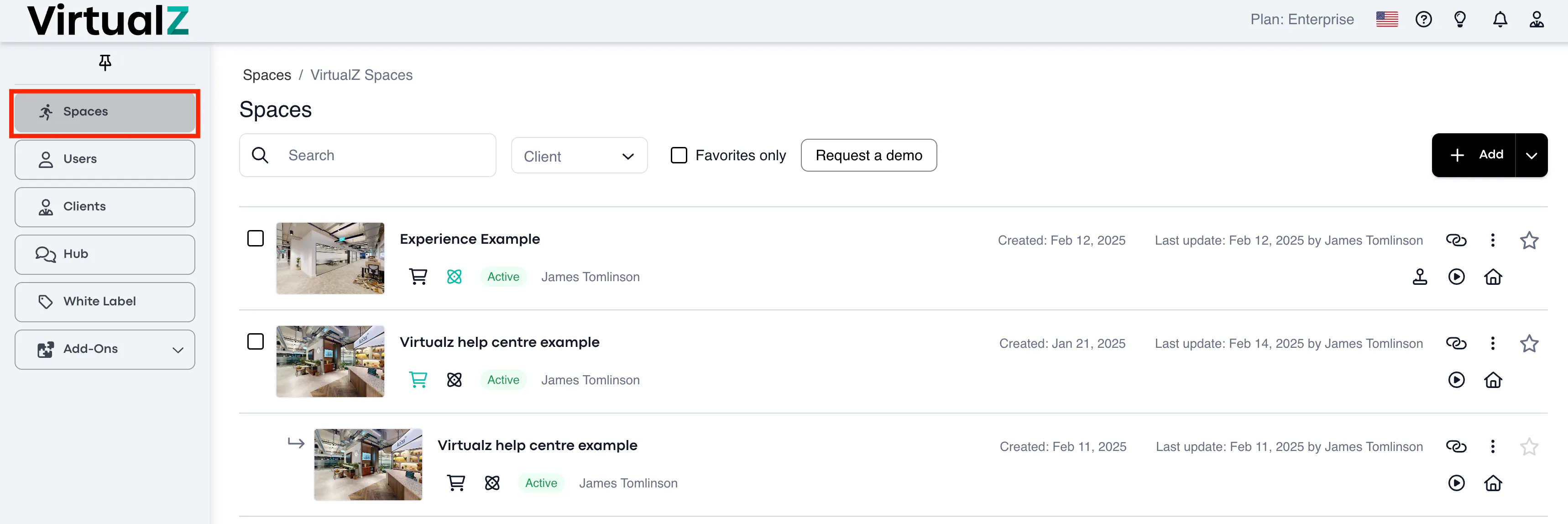
1. Spaces > Select the tour
____________________________________________________________________________________
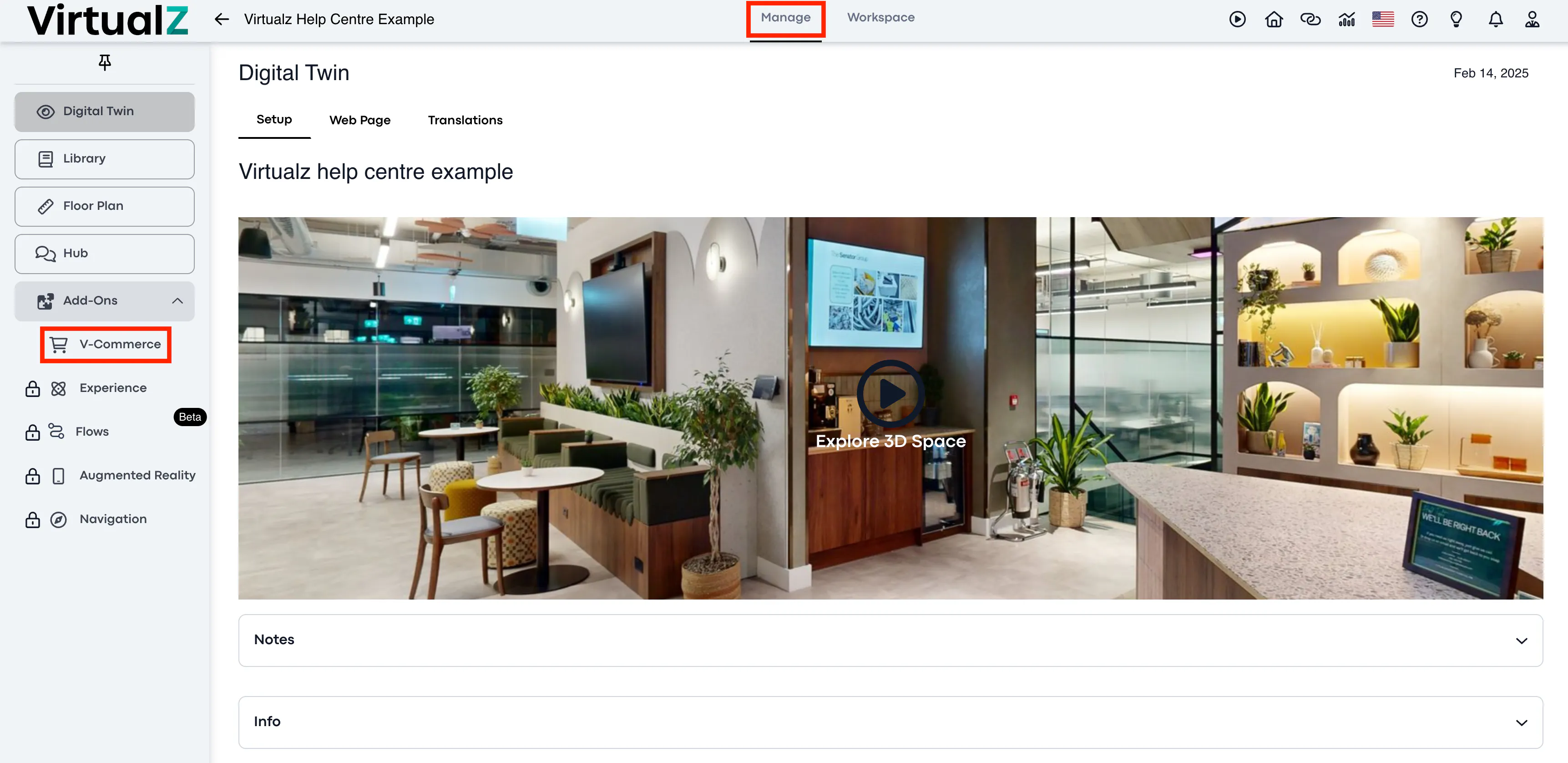
2. Manage > V-Commerce
____________________________________________________________________________________
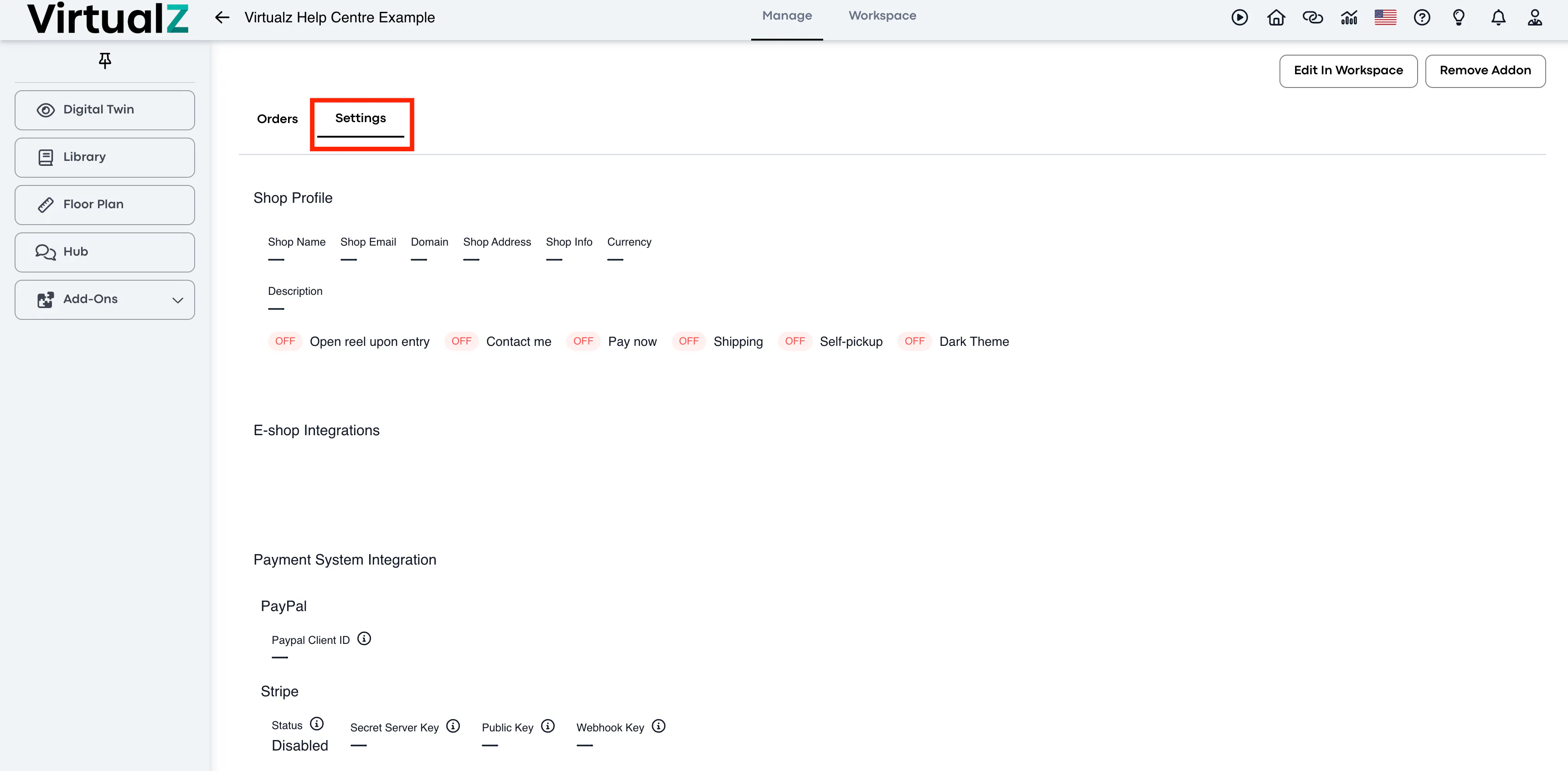
3. Settings
____________________________________________________________________________________
Functionality
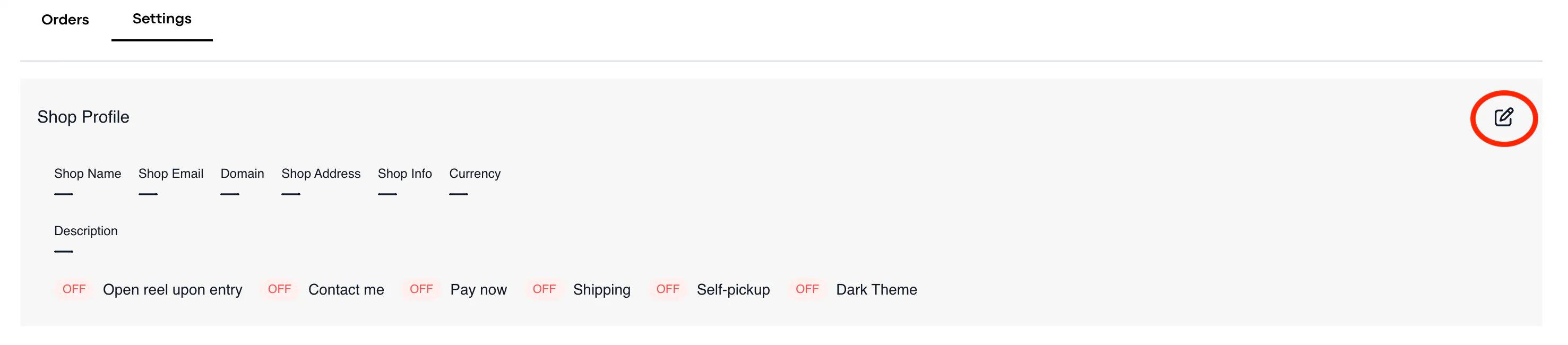
Shop Profile
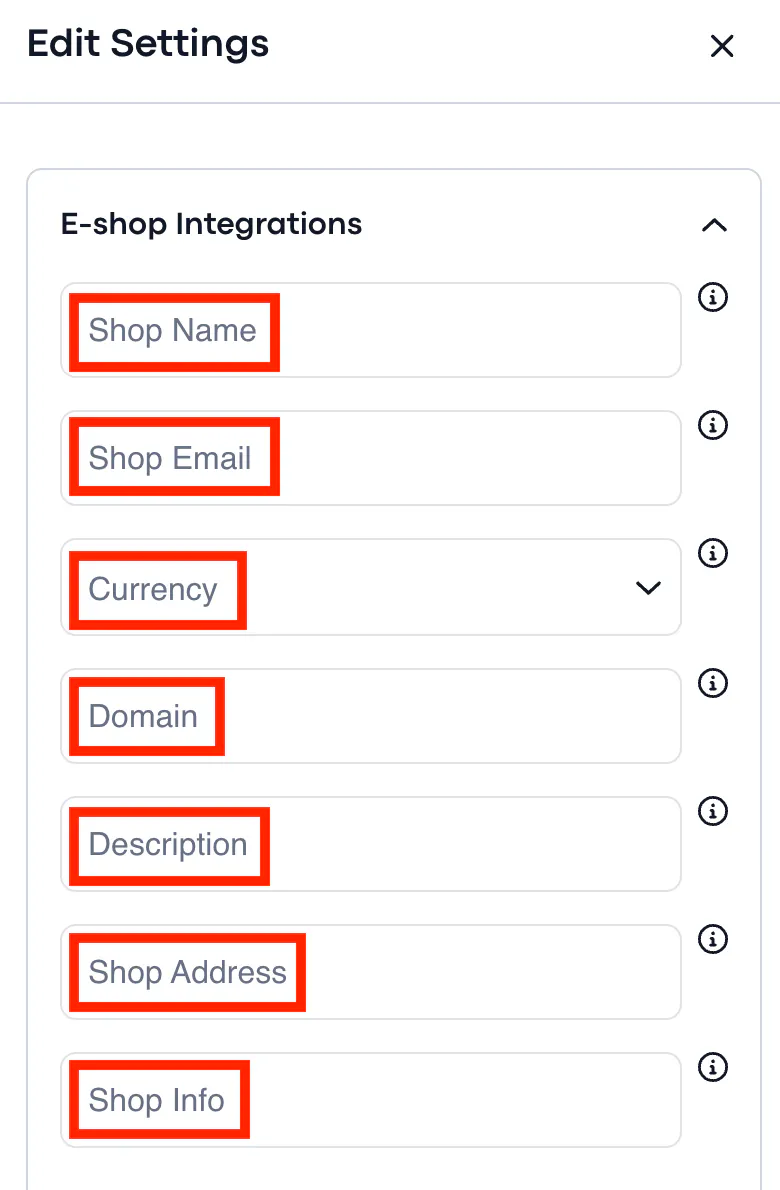
This is where you can edit various aspect of your V-Commerce store, such as the store name and domain.
____________________________________________________________________________________
The following aspects can be edited in the Shop Profile settings:
____________________________________________________________________________________
You can also decide if you'd like the highlight reel, which showcases aspects like the 'cart', to automatically open when the user enters the tour.

____________________________________________________________________________________
Payment System Integration
This is where you choose the payment system for your V-Commerce tour.
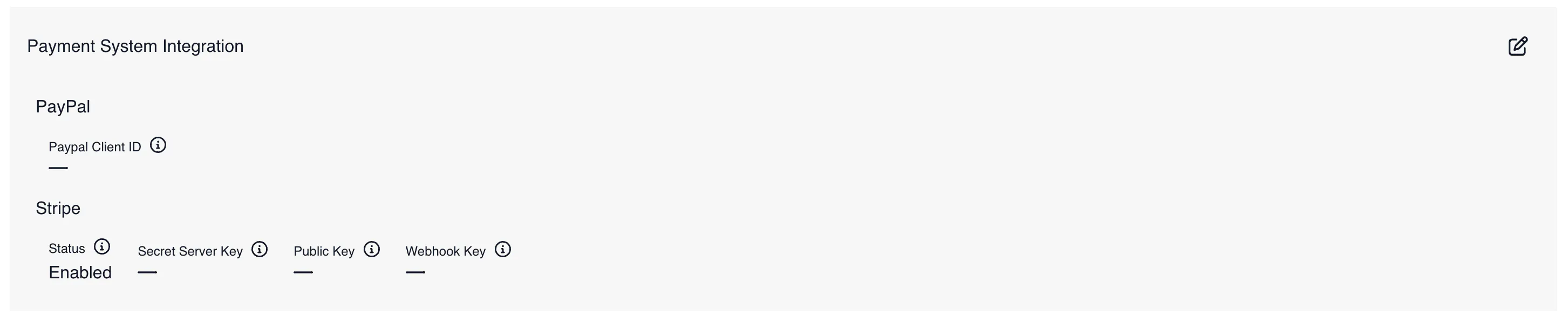
You have two payment options: PayPal and Stripe.
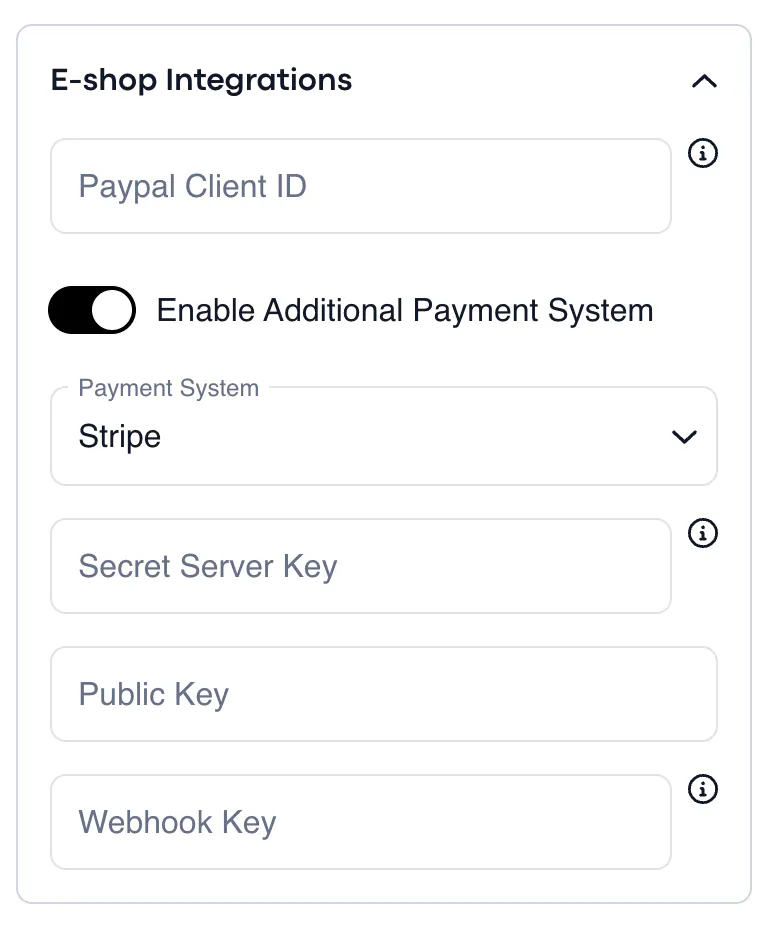
Stripe:
Stripe is our default payment method, and all you will need to do is fill in the following details to get it set up. You can find these details in your Stripe account and then insert them in the V-Commerce settings.
PayPal:
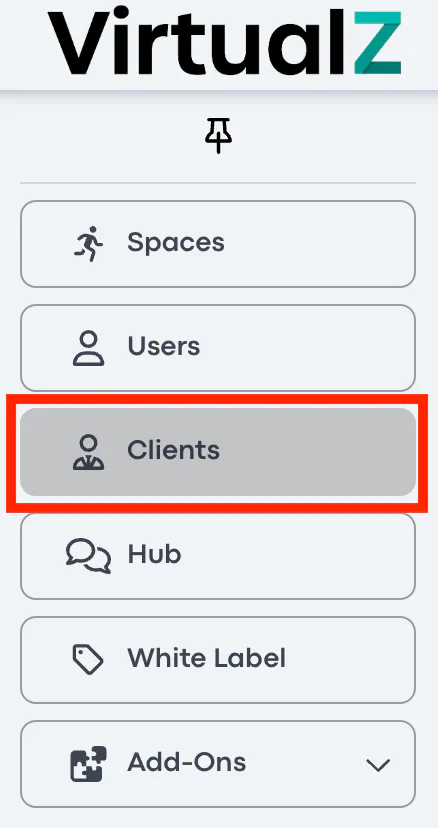
You will need to navigate to the Clients page to enable PayPal as a payment method in your V-Commerce tour.
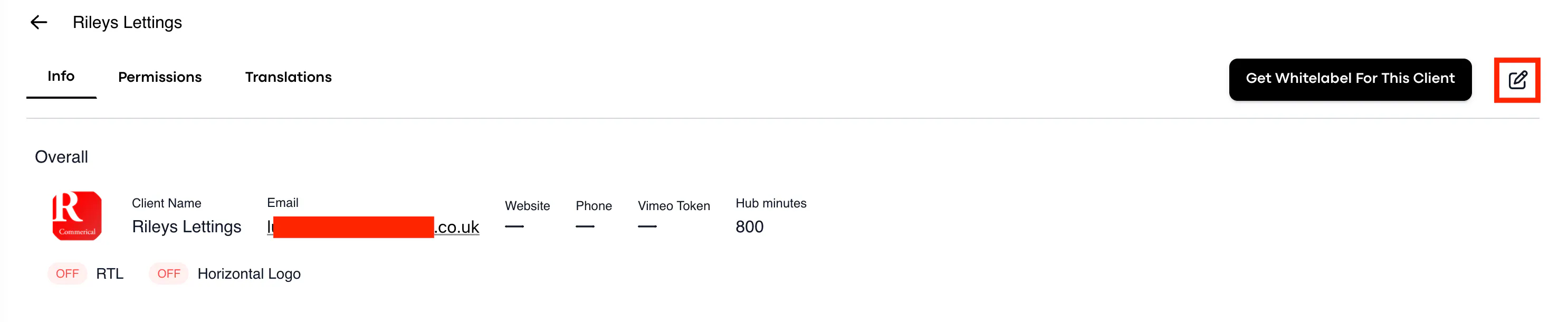
1. Navigate to the "Clients" page and choose the client to whom the V-Commerce tour has been allocated.
2. Go to the 'edit' section under Client Info.
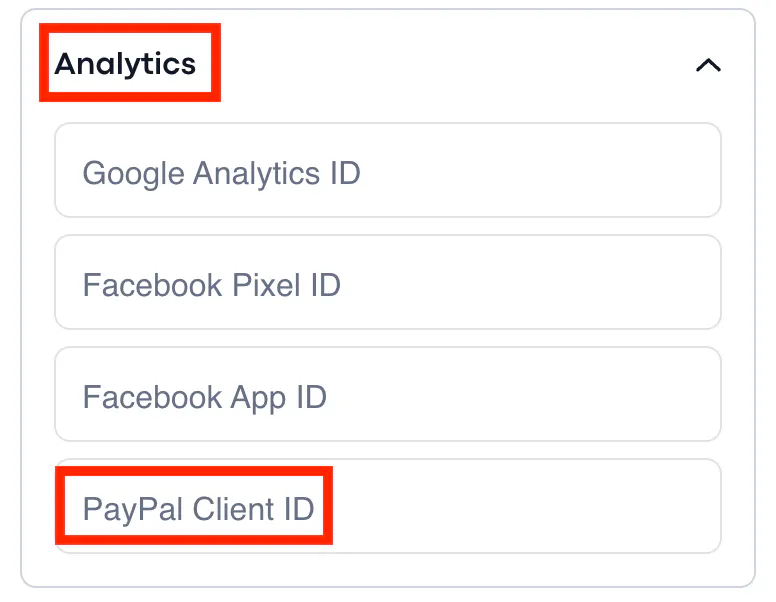
3. Find the Analytics dropdown menu and insert the PayPal Client ID.
4. Once completed and saved, return to the V-commerce tour settings to insert the payment method.
____________________________________________________________________________________
Location
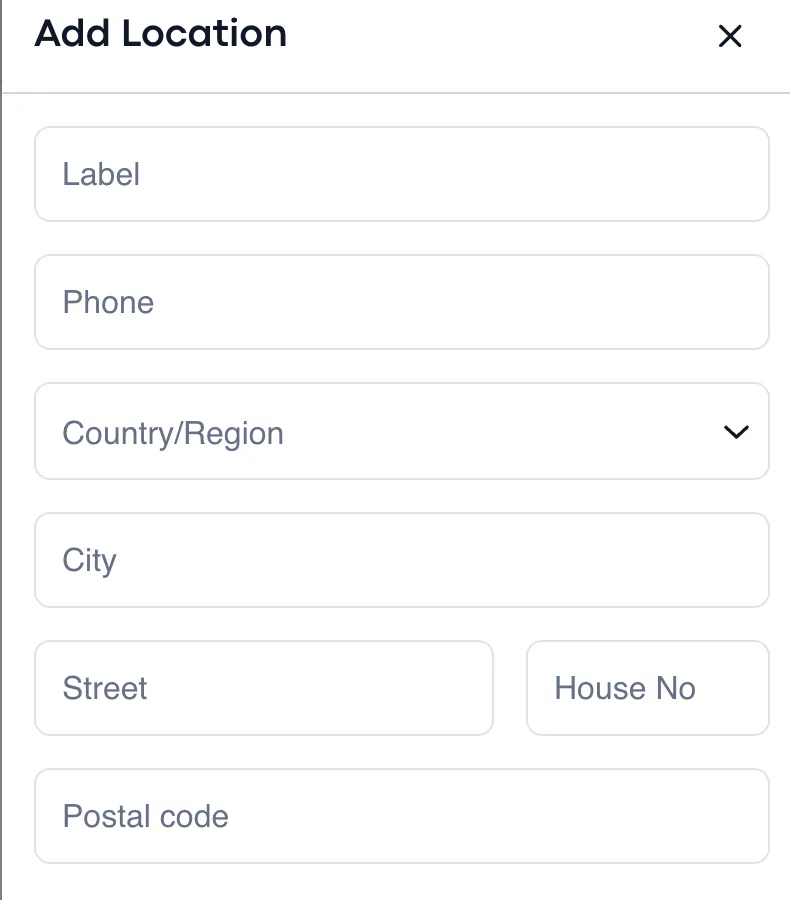
If your store has a physical location, then this is where you would insert it.
This is important if you want to enable self-pickup for your V-Commerce tour.

You can give your store a label (name of store), phone number, as well as define its location according to the country/region, city, street, house number, and postal code.
____________________________________________________________________________________