V-Commerce: Linking a Product to an Object in the Tour
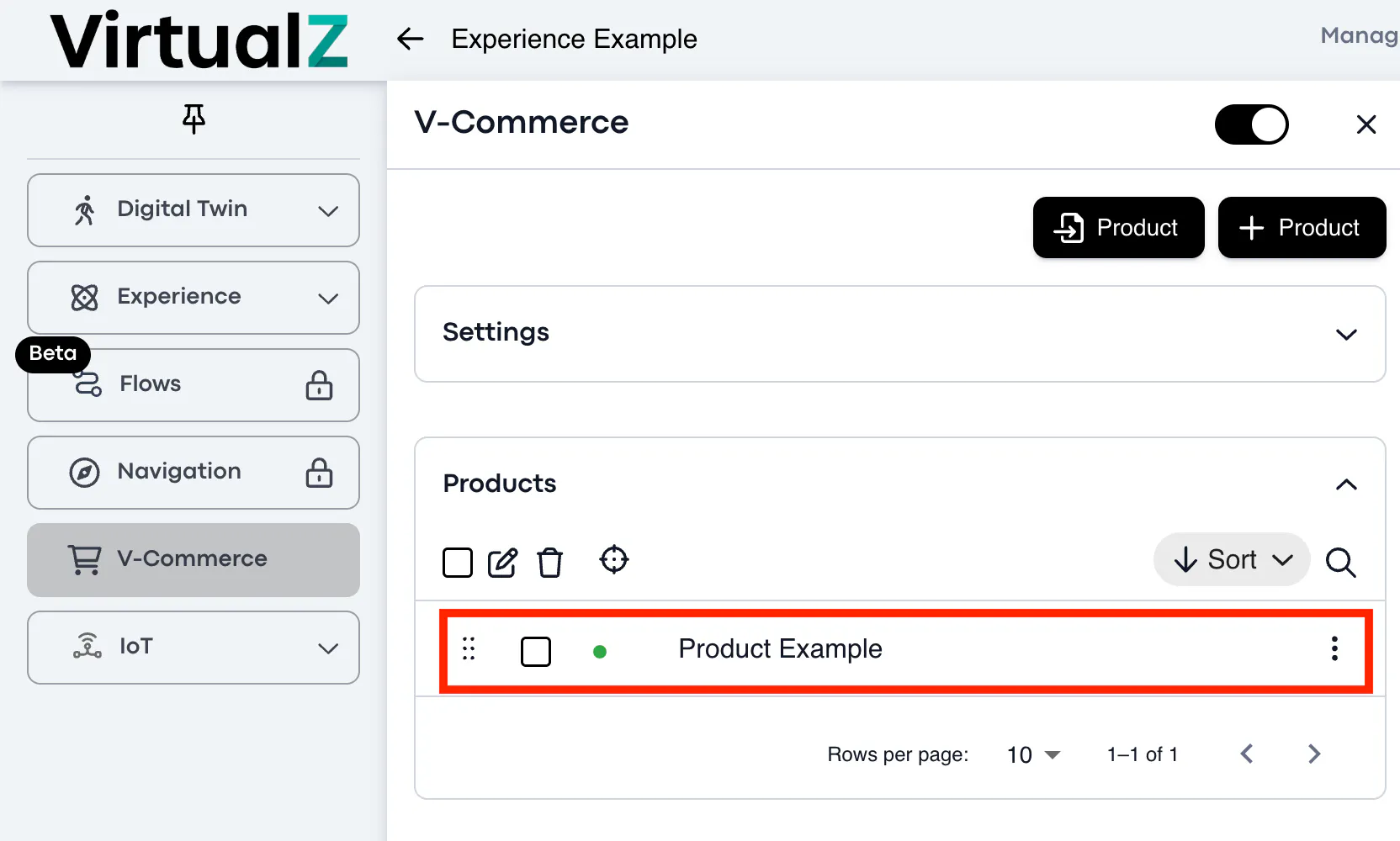
Once you have successfully added a product, it will appear in the V-Commerce section like this:
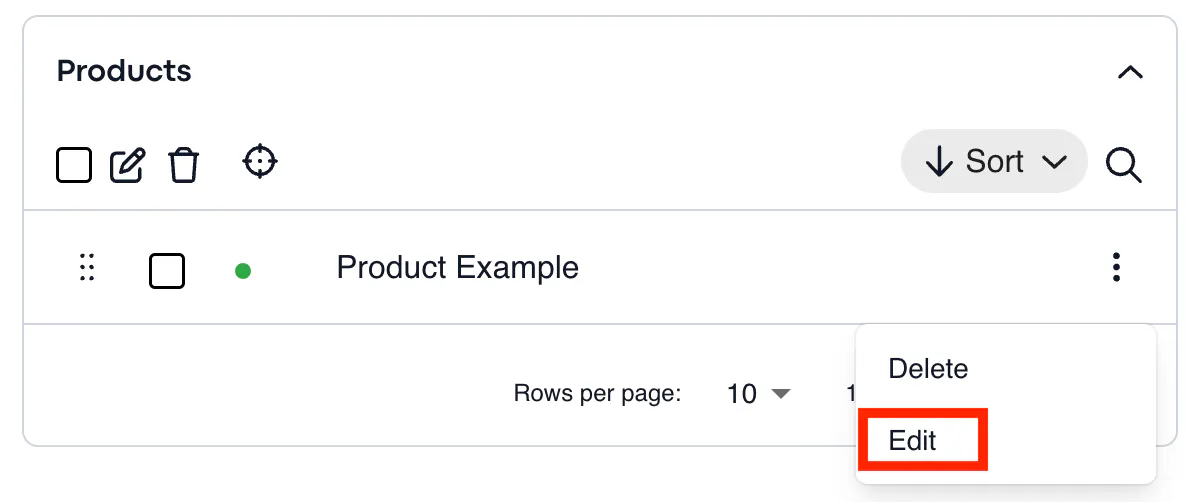
To link the product to an object in the tour, click the edit button:
____________________________________________________________________________________
Link Product to Object
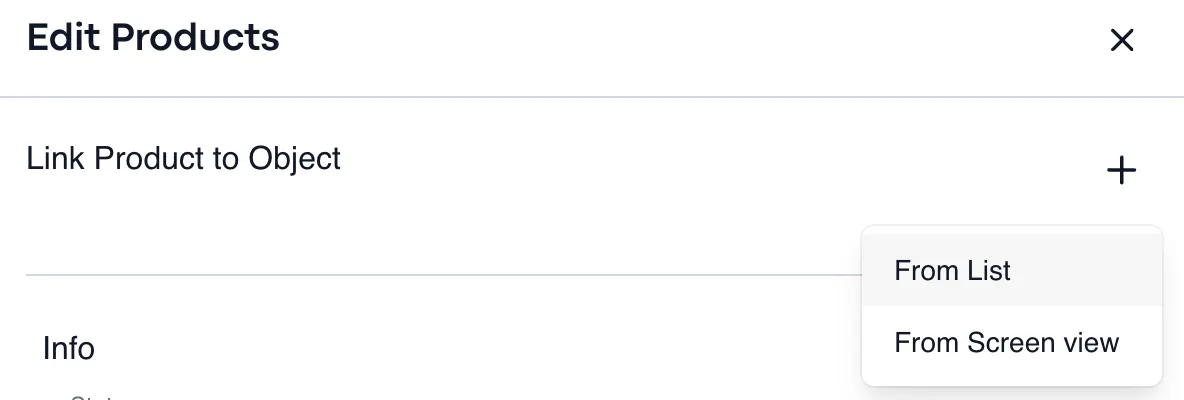
You will have the option of linking the product to an object either by choosing objects from your screen view; which entails manually picking them as you move through the tour, or from a list of objects in the tour.
________________________________________________________________________________
From List
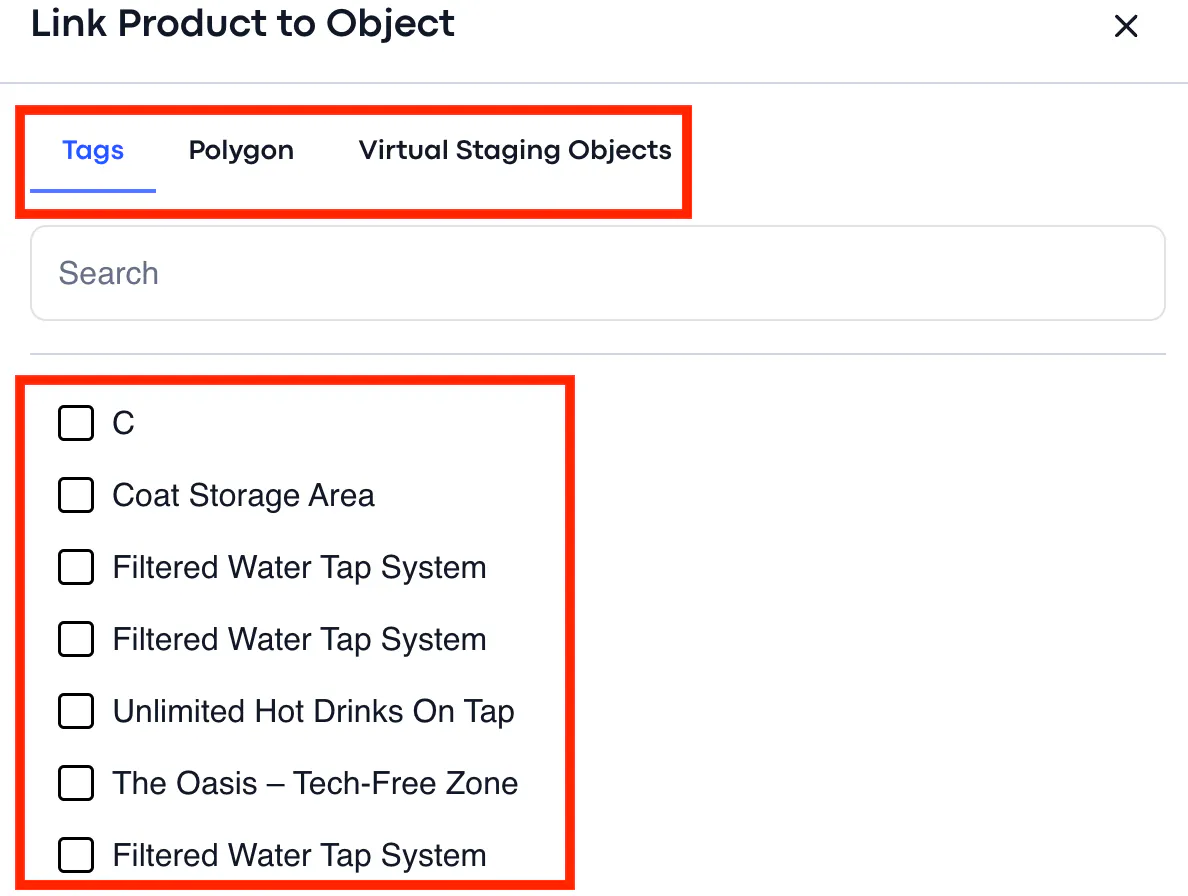
You can link products to tags or polygons.
The objects will appear in a list as seen below:
________________________________________________________________________________