Articles in this section
- Experience Creator: What is it and how to activate?
- Experience Creator: Preparation steps and examples
- Experience Creator: General
- Experience Creator: Timer
- Experience Creator: Experience Book
- Experience Creator: Backpack
- Experience Creator: Locks - General Info
- Experience Creator: Code Lock
- Experience Creator: Keyboard Lock
- Experience Creator: Collect Lock
- Experience Creator: Sequence Lock
- Experience Creator: Pop-up Trivia Lock
- Experience Creator: Genial.ly Lock
- Experience Creator: Conditions
- Experience Creator: Hints
- Experience Creator: Path General
- Experience Creator: Adding Steps to Path
Experience Creator: Experience Book
The Experience Book serves as a captivating tool, offering users a more immersive and narrative-driven journey. Its structure resembles a compelling story, with distinct chapters waiting to be unlocked as users progress through various steps within the experience.
This unique approach proves particularly valuable for gamified encounters, such as thrilling scavenger hunts or intriguing mystery quests.
To find the Experience Book, take the following path:
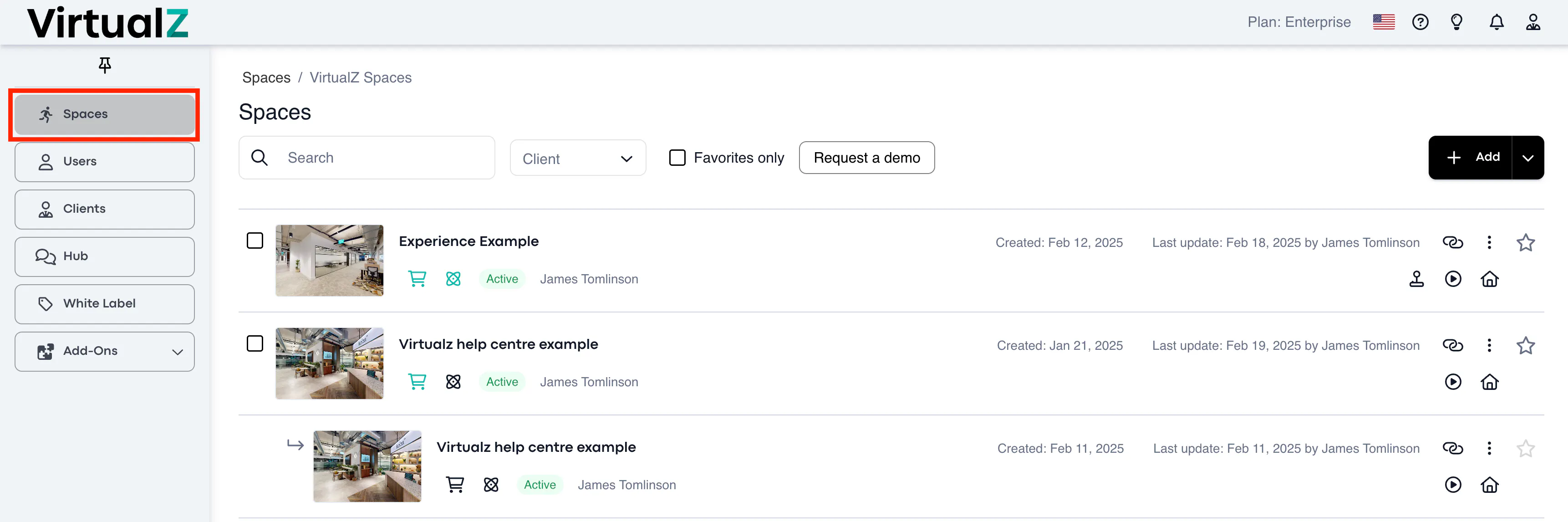
1. Spaces> Select the tour:
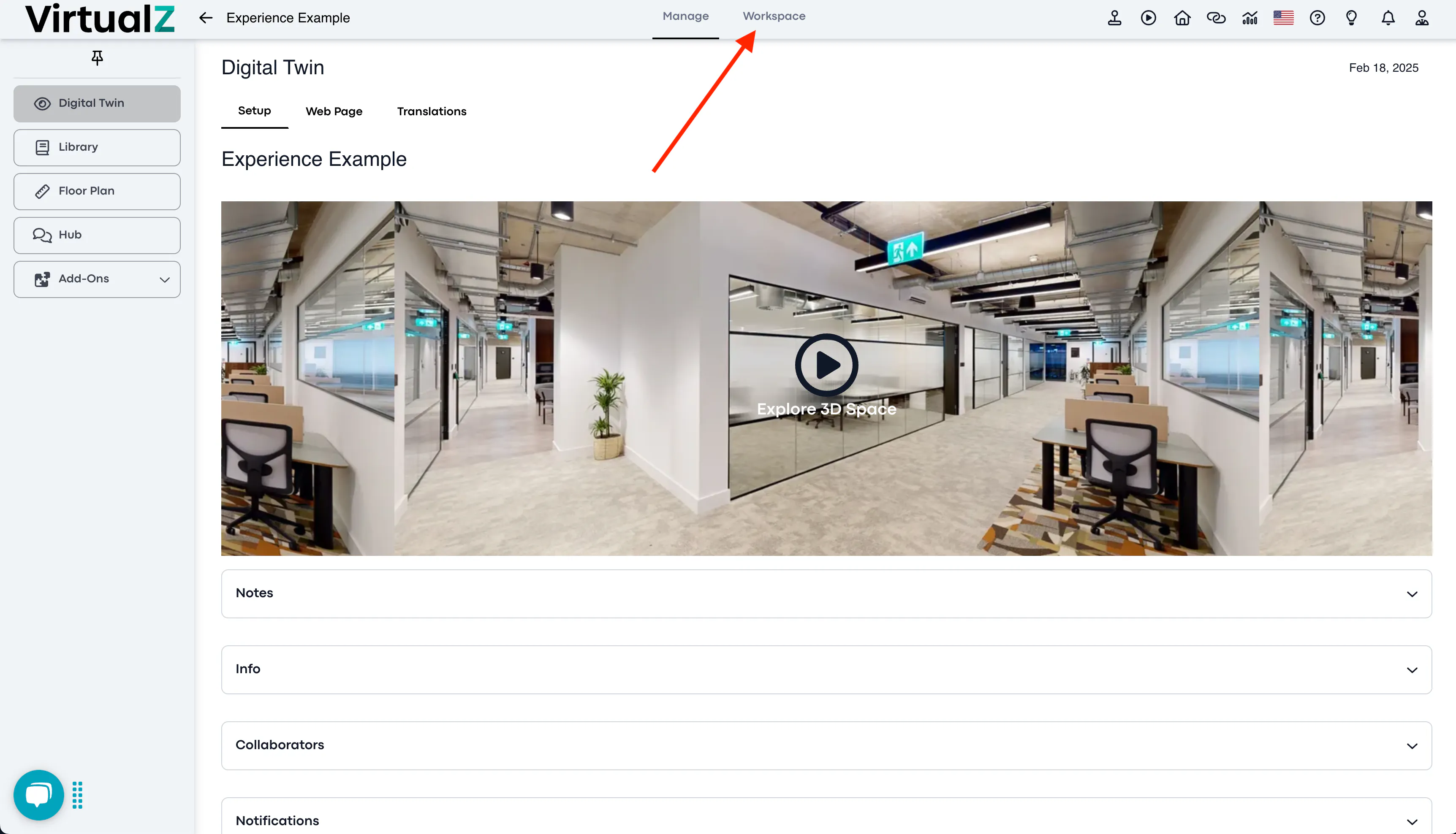
2. Workspace:
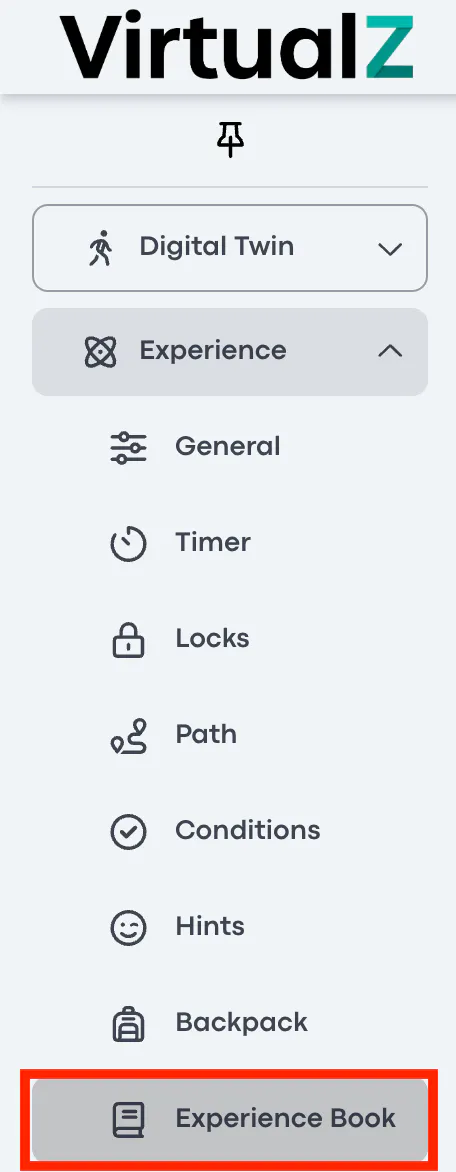
3. Experience add-on > Experience Book:
Functionality
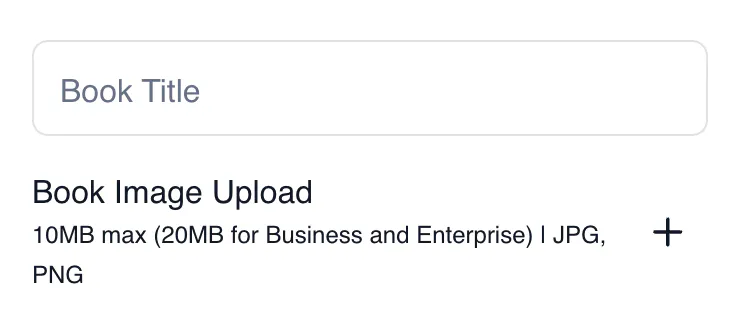
Book Title
This is where you give your Experience Book a name that will be visible to the users.
You can also upload an image for the cover of the book.
Settings
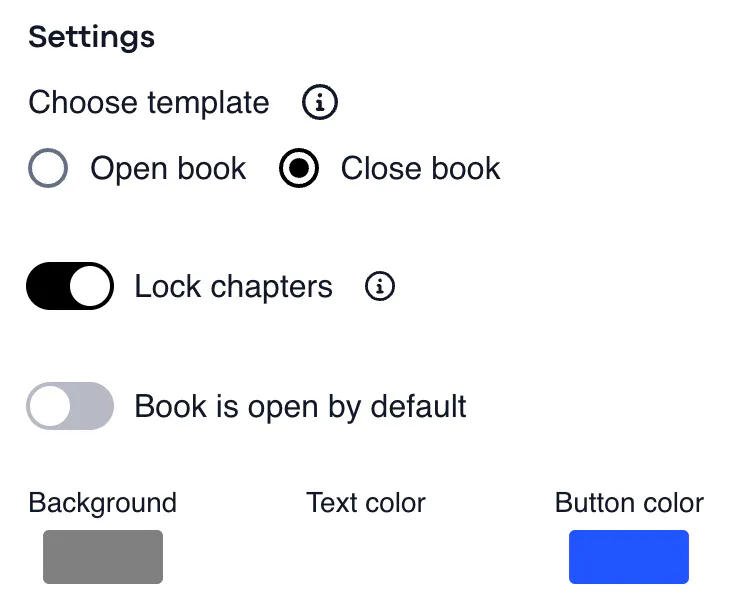
You have the option to choose between an open and closed book. The distinction lies in certain chapters being locked when the book is closed, requiring specific requirements to be fulfilled, such as solving a lock, before they can be unlocked.
You can also change the background, text, and button colour of the Experience Book.
____________________________________________________________________________________
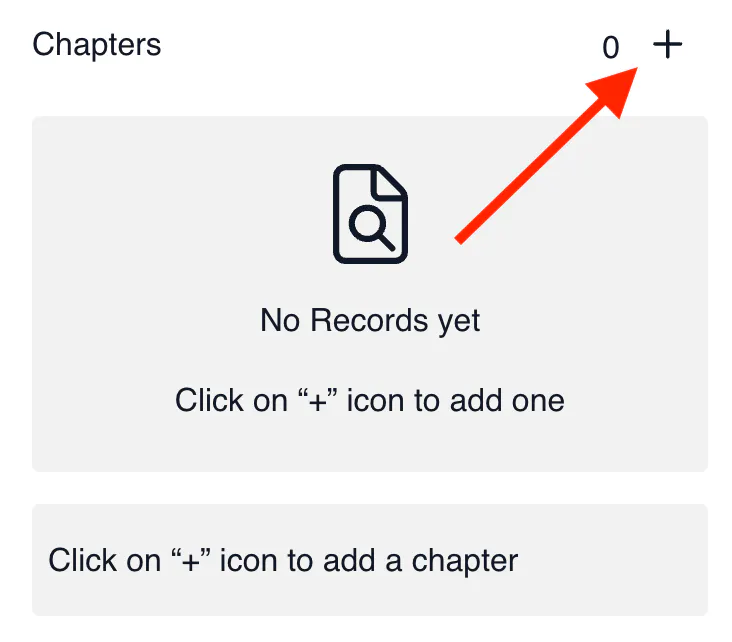
Chapters
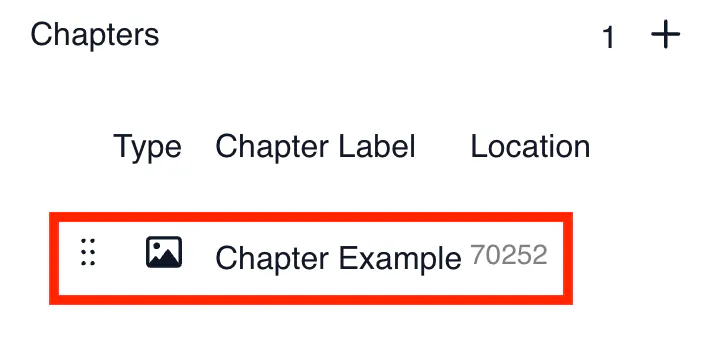
This is where you can add chapters to the book in the form of images.
To add a chapter, click on '+'
Adding Chapters
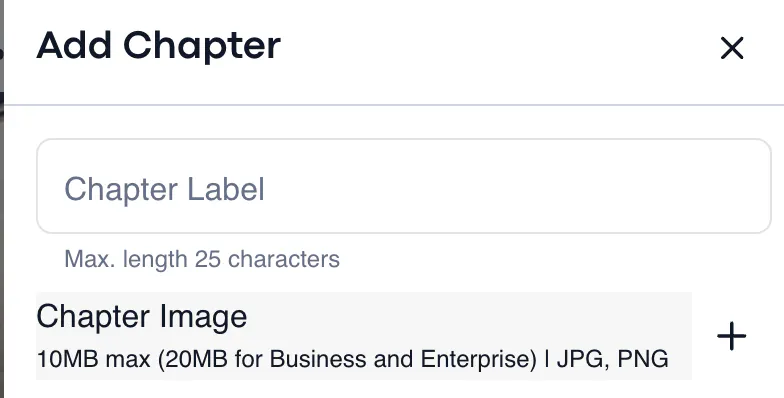
Chapter Label
This is where you give your chapter a label separate from the label of the Experience Book.
Chapter Image
Upload an image to appear once the user reaches this chapter.
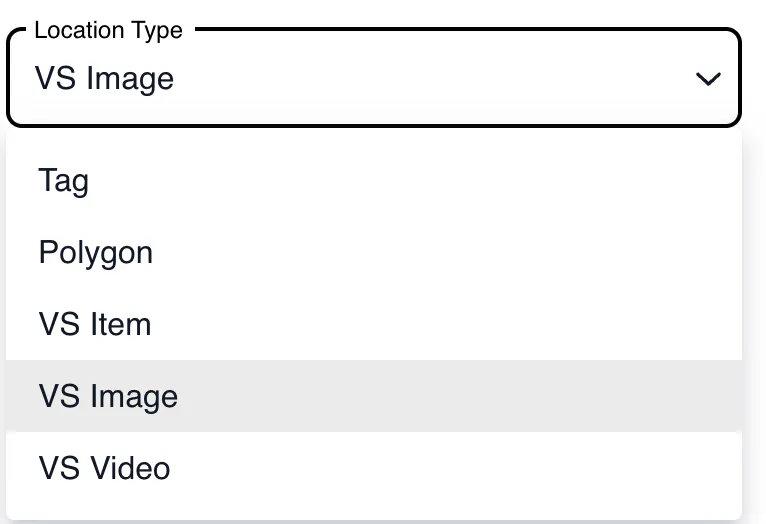
Location Type
Define the kind of asset that will unlock the chapter.
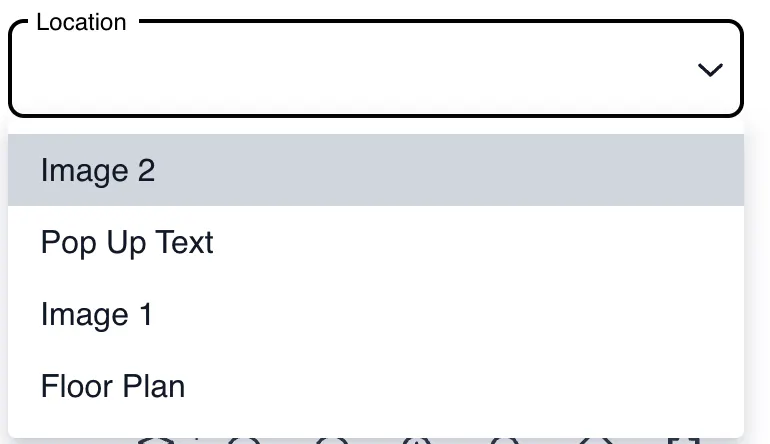
Location
Choose the specific asset to unlock the chapter.
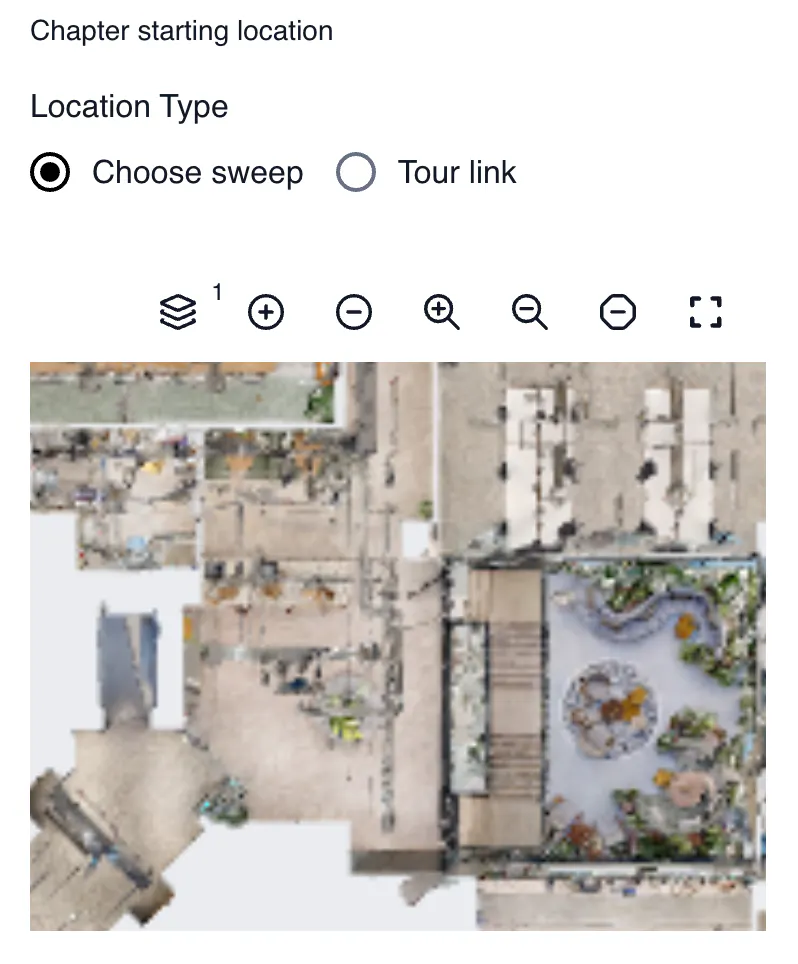
Chapter Starting Location
Choose either through sweeps or tour link where the chapter will start in the experience.
To copy the tour link, go into the public link of the tour and click 'Ctrl + Y' on a Windows device or 'Command + Y' on an IOS Device.
Once you edit, it will appear at the bottom of the page: