Articles in this section
- Experience Creator: What is it and how to activate?
- Experience Creator: Preparation steps and examples
- Experience Creator: General
- Experience Creator: Timer
- Experience Creator: Experience Book
- Experience Creator: Backpack
- Experience Creator: Locks - General Info
- Experience Creator: Code Lock
- Experience Creator: Keyboard Lock
- Experience Creator: Collect Lock
- Experience Creator: Sequence Lock
- Experience Creator: Pop-up Trivia Lock
- Experience Creator: Genial.ly Lock
- Experience Creator: Conditions
- Experience Creator: Hints
- Experience Creator: Path General
- Experience Creator: Adding Steps to Path
Experience Creator: Timer
The Timer is where you can set a time limit on your experience.
To find the timer, follow this path:
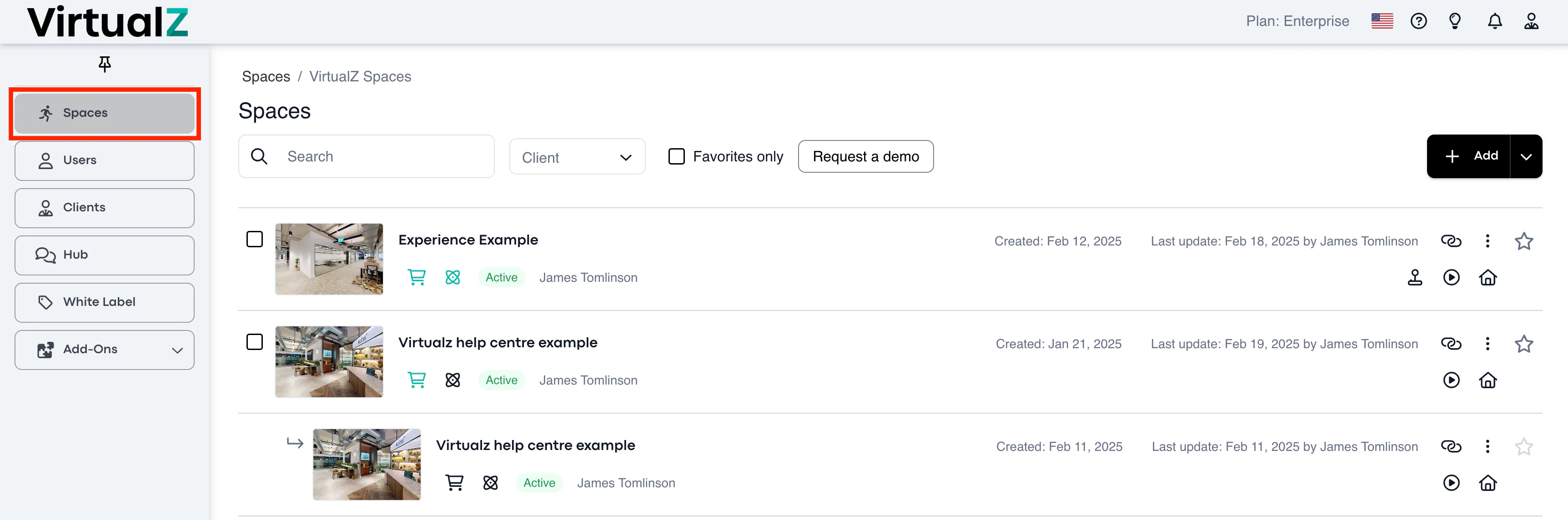
1. Spaces > select the tour:
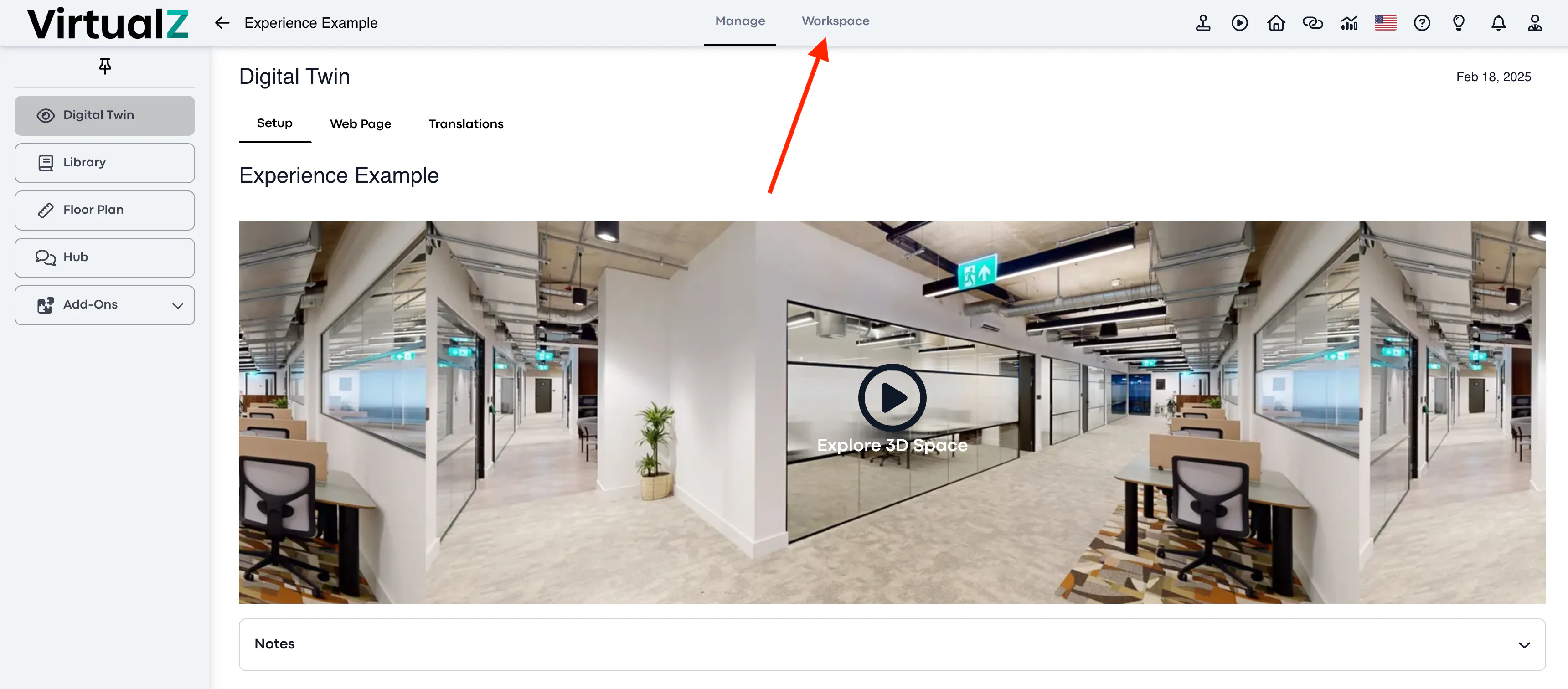
2. Workspace:
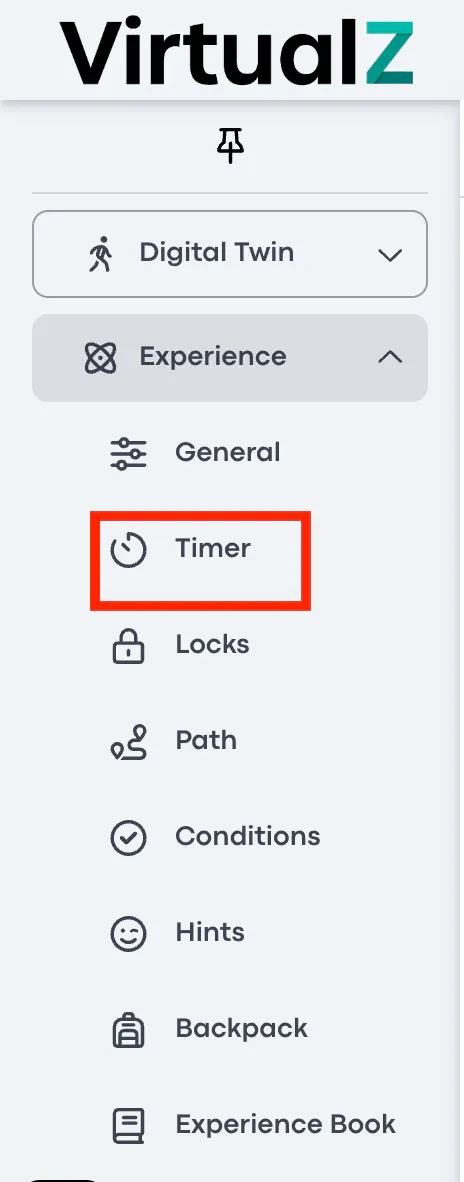
3. Experience add-on > Timer:
Functionality
To activate the Timer, pull the toggle to the right.
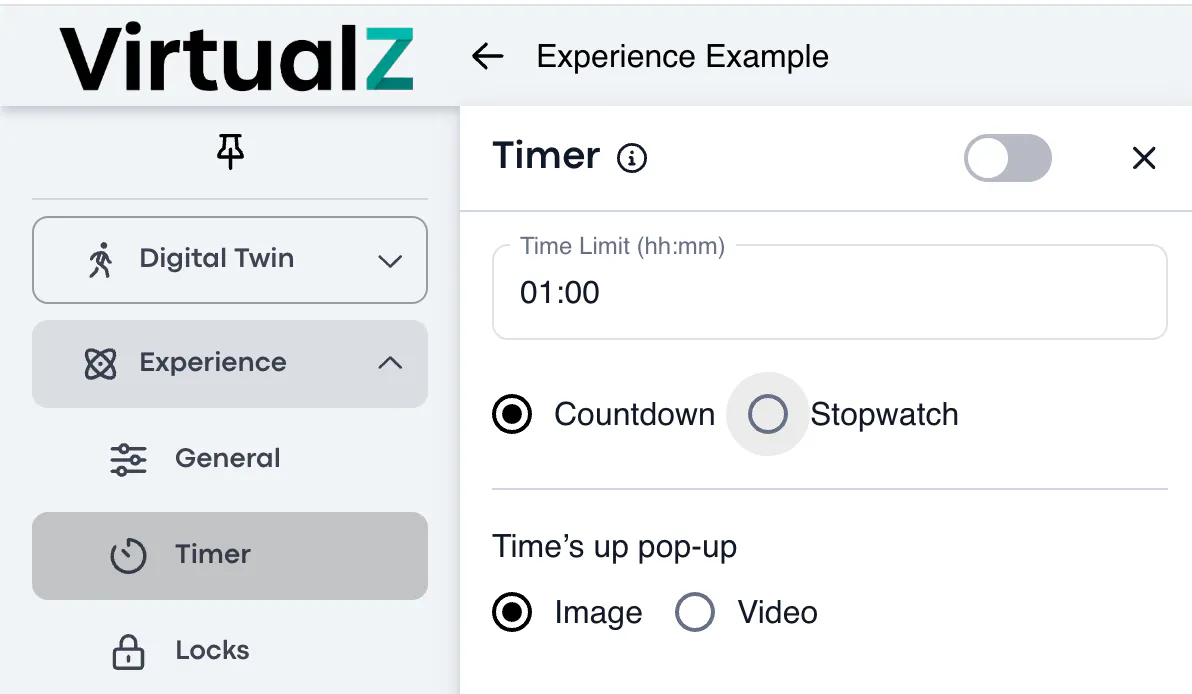
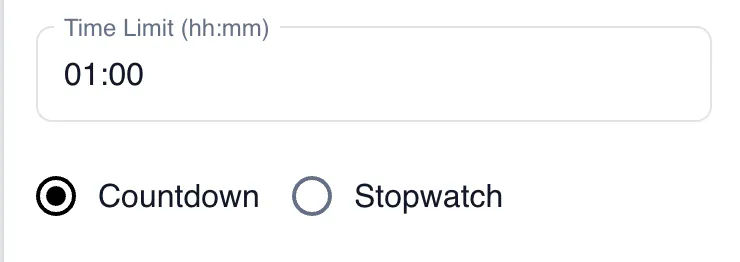
You can set the time limit by hours and minutes. You have the option of having the time appear either as a countdown or as a stopwatch.
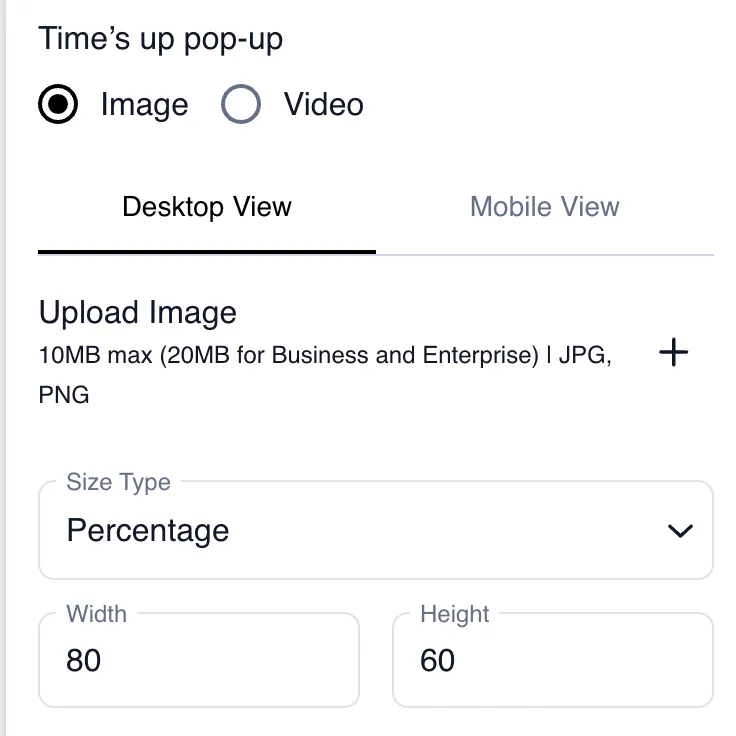
Time's Up Pop-Up
You can upload an image or paste the URL of a video to pop up once the time limit for the experienc has been reached.
You can define either by percentage or pixels, as well as define their width and height.