Articles in this section
- Experience Creator: What is it and how to activate?
- Experience Creator: Preparation steps and examples
- Experience Creator: General
- Experience Creator: Timer
- Experience Creator: Experience Book
- Experience Creator: Backpack
- Experience Creator: Locks - General Info
- Experience Creator: Code Lock
- Experience Creator: Keyboard Lock
- Experience Creator: Collect Lock
- Experience Creator: Sequence Lock
- Experience Creator: Pop-up Trivia Lock
- Experience Creator: Genial.ly Lock
- Experience Creator: Conditions
- Experience Creator: Hints
- Experience Creator: Path General
- Experience Creator: Adding Steps to Path
Experience Creator: What is it and how to activate?
The Experience Creator is a guided virtual tour that adds structure and prompts to the user’s journey. Unlike free-roaming exploration, this solution is conditional and ensures a more directed and personalised experience of the tour.
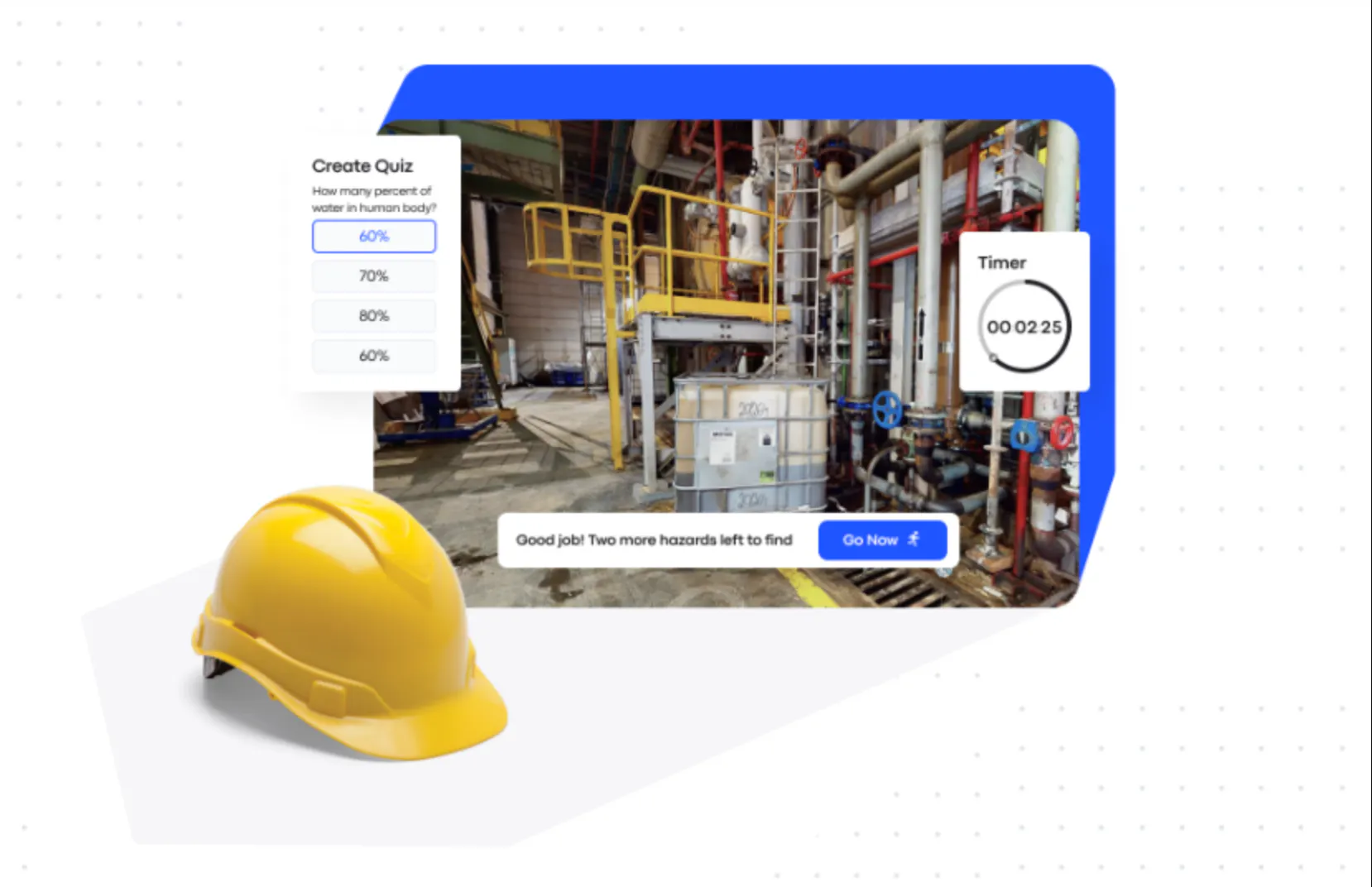
Users need to complete the journey, or steps, to finish the experience. They have the option to roam freely, but can always click on the path to return to the experience.
The Experience Creator has many use cases, including gamification, marketing and advertising, and training and onboarding.
What sets it apart when it comes to the latter is that it doesn’t compromise the practicality of onsite training. Thanks to its compatibility with VR, new employees can engage in real simulations within their actual work environments, minimising potential harm to themselves or operations.
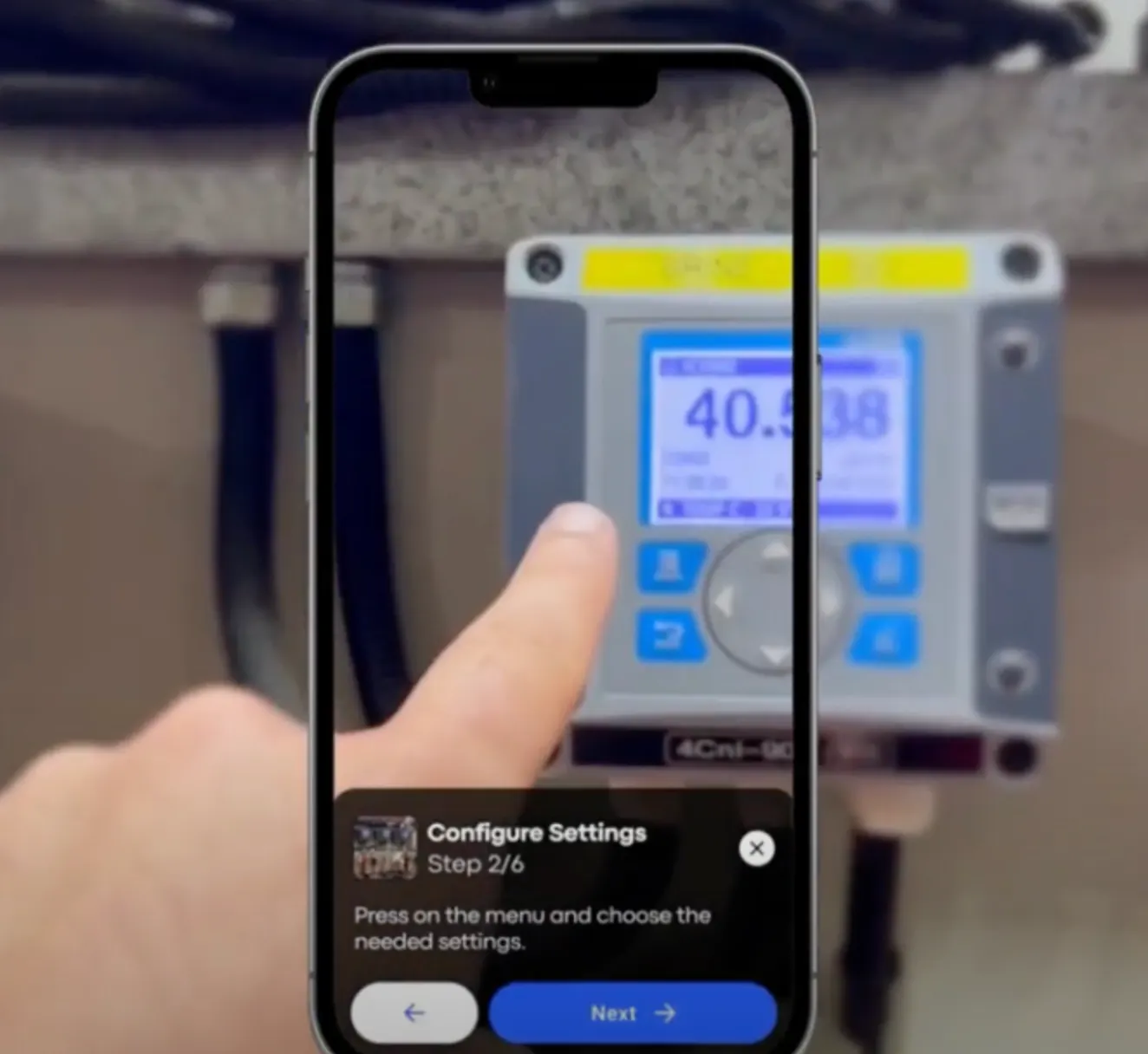
The Experience Creator can also be used in AR mode, allowing for a seamless transfer of maintenance procedures to onsite operations.
____________________________________________________________________________________
Experience Creator Activation
To activate the Experience Creator add on, take the following steps:
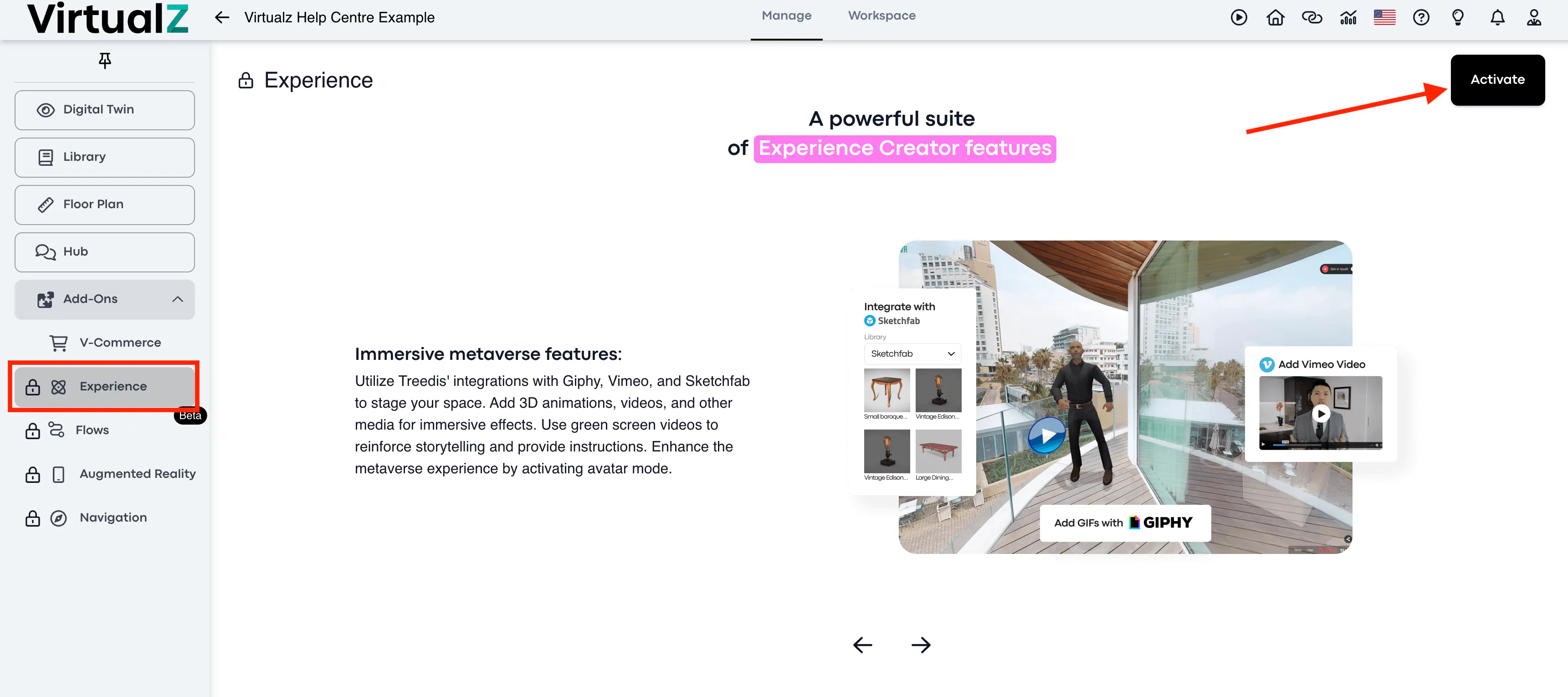
1. Login to your Virtualz account and find the add on
Once logged in, you'll notice a dropdown menu on the left with a list of add ons. This is where you'll find the Experience Creator.
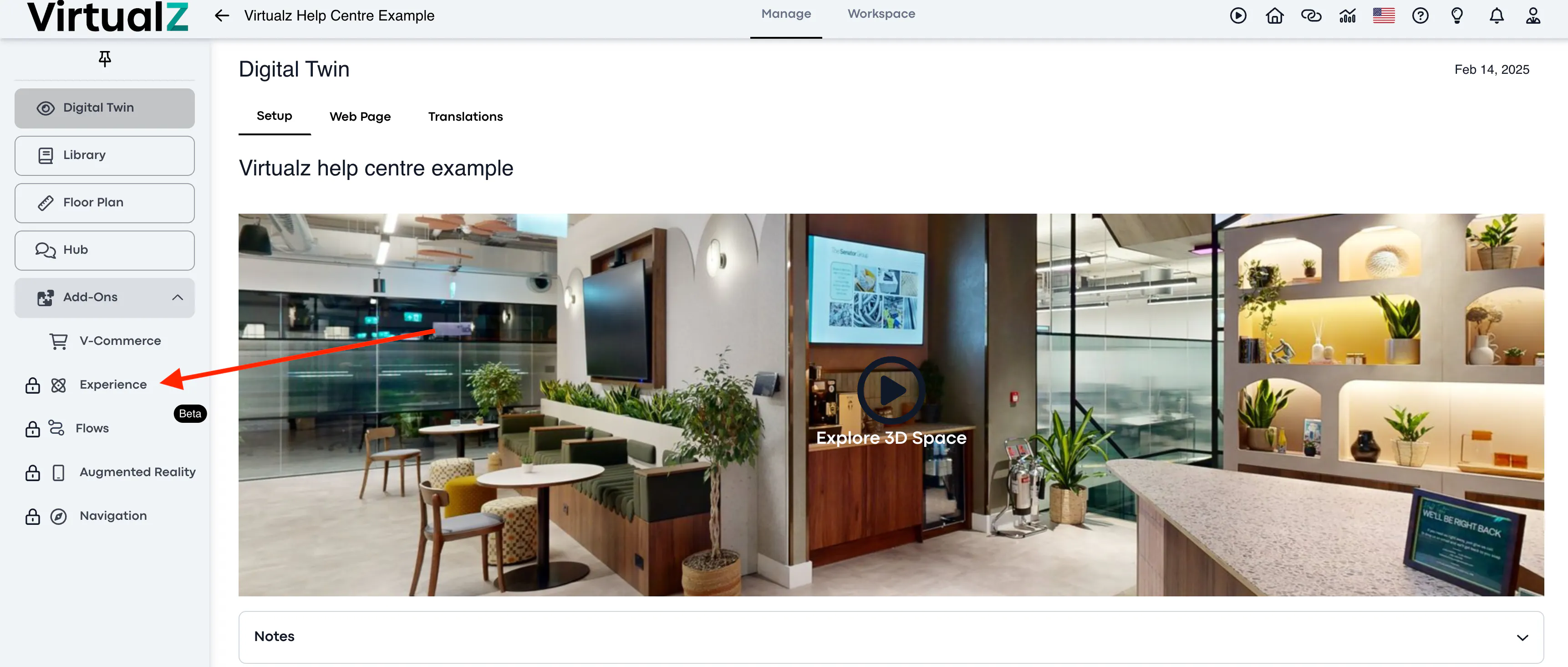
2. Select the Experience Creator
After selecting the Experience Creator, you'll get the option to subscribe at the top right corner of the screen.
If you are a Business plan user, you have 4 credits to activate any Virtualz add-on for free, including the Experience Creator.
3. Select the relevant tour
You must assign this solution to a tour. You can select any tour.
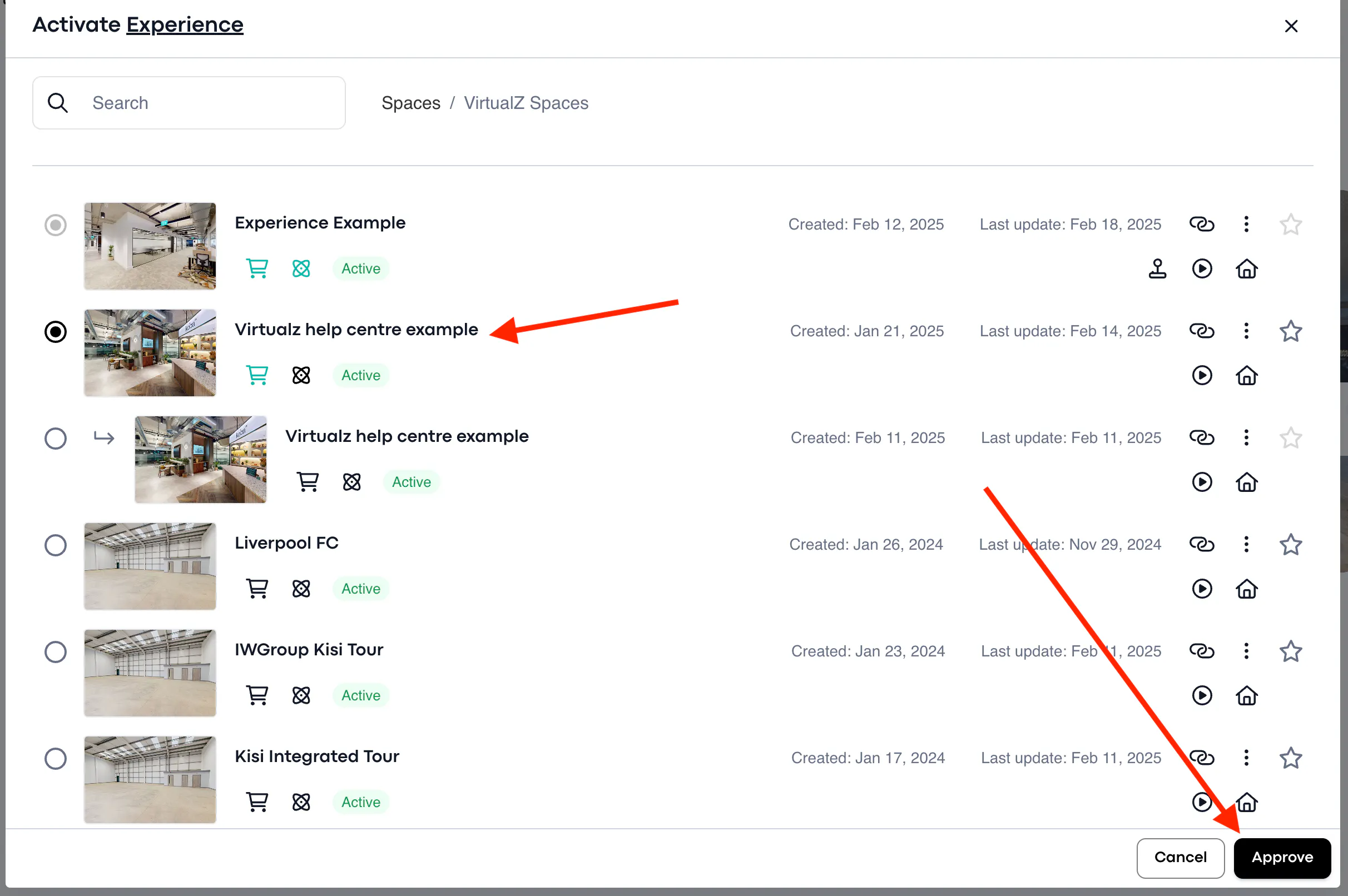
4. Check for the blue icon
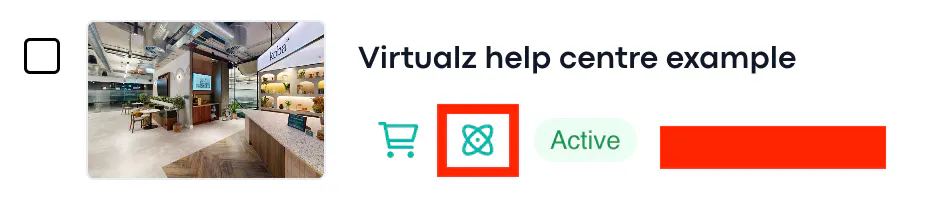
Once you see the blue icon on your tour, you'll know that you have activated the Experience Creator.