Articles in this section
- How to add a tour to the system using the Matterport link?
- How to add a tour to the system if I don't have Matterport tour link?
- CGI: General overview
- Private Model Embed (PME)
- Who is User, Client, Agent and Collaborator
- Can I merge several spaces / tours into 1?
- How to get a deep link for location in the tour?
- How to Zoom in/out on the tour?
- Can I translate my tour into different languages?
- How to add music to the tour?
- Can I add the image / pdf file to the Burger Menu?
- Floor Plan: How to order?
- How to change the password?
- How to collect Leads from the tour?
- How to activate the Registration form for Experience tour?
- Types of Tour Error: Troubleshooting Steps
How to get a deep link for location in the tour?
Deep Link in Treedis
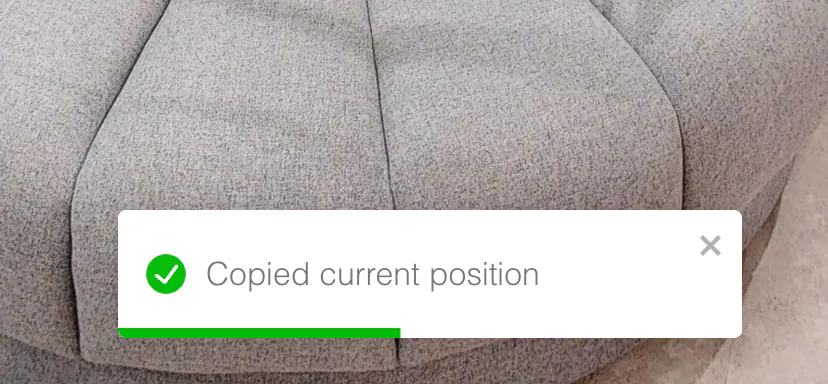
To retrieve a deep link for specific location inside the Virtualz tour, press Ctrl + Y (it will be Tour Link action type). When the position is copied, you will see the relevant notification.
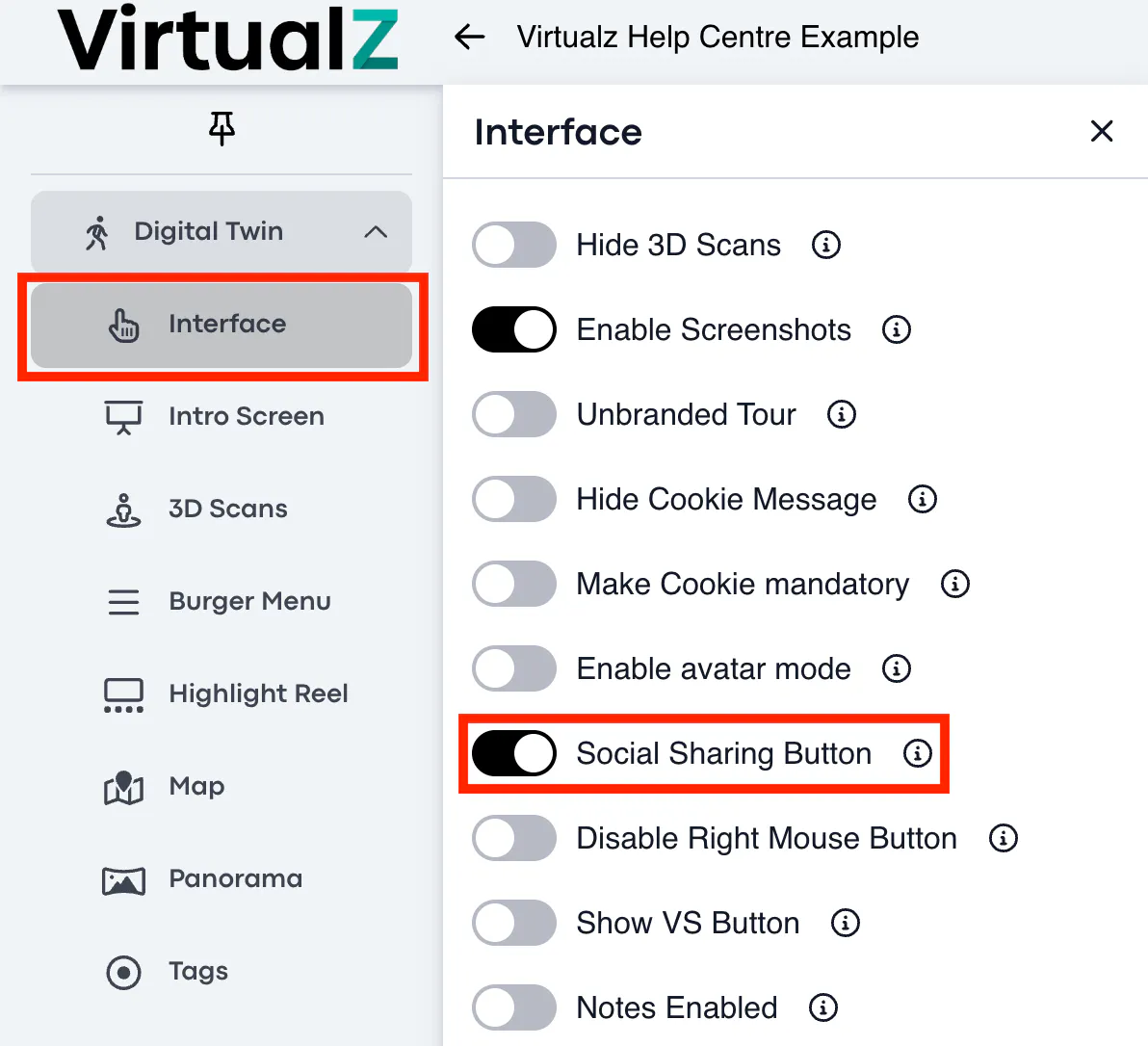
Another way to retrieve a deep link on Virtualz tour is via Social Share button enabled for the tour in the Interface > Restrictions section:
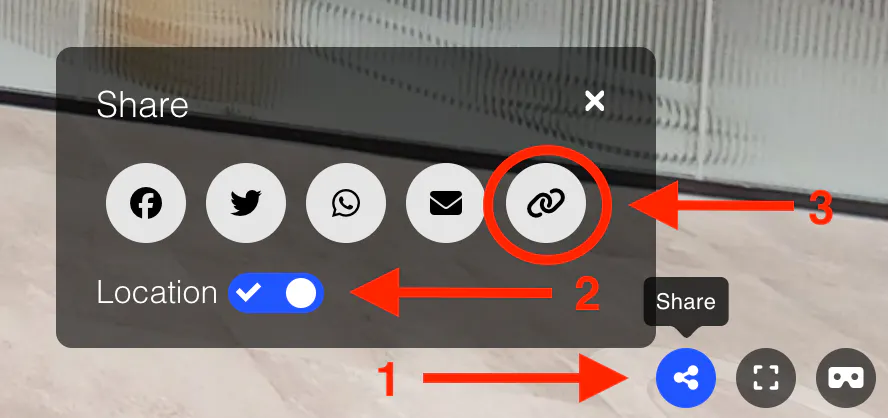
1. Click on the Share (1) icon.
2. Pull the Location (2) toggle to the right.
3. Click on the Link (3) icon to copy the deep link.
Deep Link in Matterport
To copy a deep link for location in the Matterport space and add it to Treedis tour, open the Matterport tour and press U (it will work for both, Matterport (fly-over) and Matterport (instant) action type).
You can also use a regular tour public URL instead of the deep link, if there is no need to redirect visitors to a specific location on the space. In such case, users will be redirected to the starting point of the tour.
Click here to find more details on how to merge several spaces into one using the tour link / deep link.